timeline
    Feb 2019 : OpenAI releases GPT-2
             : 1.5B parameters
             : Initially withheld full model due to concerns about misuse
             : Demonstrates impressive text generation capabilities with minimal fine-tuning

    May 2020 : OpenAI releases GPT-3
             : 175B parameters
             : Demonstrates strong few-shot learning capabilities
             : Marks a significant leap in model capabilities and scale

    June 2020 : GPT-3 available through OpenAI API
              : Still a completion model, not instruction-tuned

    2021 : InstructGPT Development
          : Built on GPT-3 with RLHF fine-tuning
          : Trained to follow instructions and understand user intent
          : Key innovation enabling ChatGPT

    Jan 2021 : Anthropic Founded
             : Founded by Dario & Daniela Amodei with ~7 senior OpenAI employees
             : Dario led GPT-2/3 development and co-invented RLHF

    Nov 2022 : ChatGPT Launch
              : Built on GPT-3.5 using RLHF
              : 1M+ users in 5 days
              : Sparked widespread interest in generative AI
Module 2: Exploring Hosted LLMs
Recap
- Explored the history of vector embeddings and tokenization
- Understood the transformer architecture at a high level
- Used our first transformer to translate language
- Covered a brief history of early generative transformers
- Setup and used Colab, and became familiar with the basics of notebooks and Python
Lesson Objectives
- Understand the evolution and licensing of models from GPT-2 through to modern day
- Understand instruction-tuned models, how they work, and how to configure
- Setup and use OpenRouter for accessing hosted models
- Understand the OpenAI API specification, the request/response payload, parameters, streaming, and structured outputs
- Create and share a chatbot using a Gradio-based UI
From GPT-2 to GPT-3.5
From GPT-2 to GPT-3.5
Completion vs. Instruction-Tuned
- Completion Model just predicts the next token
- Input prompt:
Mary had a little - Max total tokens:
50 - Temperature:
0 - 1.0 - top_k: consider only the top k tokens in the response
- top_p: Nucleus sampling (probability cut off - 0 and 1.0)
- Input prompt:
- Output
Mary had a little lamb, its fleece was white as snow...(up to max tokens)
Completion vs. Instruction-Tuned
- You can’t really converse with it
What should I do on my upcoming trip to Paris?(max tokens = 75)What should I do on my upcoming trip to Paris? Please provide a detailed plan of action to help me plan my trip to Paris. 1. Research the best time to travel to Paris:
Instruction-Tuned Models
- Supervised Fine-Tuning
- Large datasets of questions/answers, tasks/completions, demonstrating helpful assistant behavior
- Chat Templates
- Structured format to distinguish speakers in a conversation: Typically system, user, and assistant
- RLHF (Reinforcement Learning from Human Feedback)
- Human raters rank different model responses, training a reward model
What’s a Chat Template?
- The format used to train instructional models on conversations involving system, user, and assistant prompts.
- Each model family uses a different format (there is no universal standard)
- Wrong format will likely generate nonsense/garbage
ChatML (GPT-3.5 and other models)
<|im_start|>system
You help travelers make plans for their trips.<|im_end|>
<|im_start|>user
Hello<|im_end|>
<|im_start|>assistant
Hi there! How can I help you?<|im_end|>
<|im_start|>user
What should I do on my upcoming trip to Paris?<|im_end|>
<|im_start|>assistant
System, User, Assistant
- System prompt sets the intention for the model, guiding the output
- “You are a helpful assistant”
- “You help students with their math homework”
- “You help travelers make plans for their trips”
- Has to come first in the conversation
- Only one system prompt
- Optional for some models
System, User, Assistant
- System Prompt best practices
- Be specific: “You are a Python programming tutor who explains concepts using simple analogies and provides code examples.”
- Define output: “List no more than 3 suggestions. Always show your work step by step.”
- Set boundaries: “If you are asked questions outside coding, politely redirect the student back to the task.”
System, User, Assistant
- User prompt is the message (request) from the user
- “How many ’r’s in Strawberry?”
- “What is linear algebra?”
- “What should I do on my upcoming trip to Paris?”
- Assistant prompt is the message (reply) from the model
- “There are three r’s in Strawberry”
- “Linear algebra is the branch of mathematics that studies vectors, etc.”
- “Here are some suggestions for your upcoming trip to Paris: 1. Explore the Louvre Museum: etc.”
Chat Templates in Practice
messages = [
    {"role": "system", "content": "You help travelers make plans for their trips"},
    {"role": "user", "content": "Hello"},
    {"role": "assistant", "content": "Hi there!"},
    {"role": "user", "content": "What should I do on my upcoming trip to Paris?"}
]

instruct_tokenizer.apply_chat_template(
    messages,
    tokenize=False,
    add_generation_prompt=True  # Adds the assistant prompt
)
'<|im_start|>system\nYou help travelers make plans for their trips<|im_end|>\n<|im_start|>user\nHello<|im_end|>\n<|im_start|>assistant\nHi there!<|im_end|>\n<|im_start|>user\nWhat should I do on my upcoming trip to Paris?<|im_end|>\n<|im_start|>assistant\n'Completion vs. Instruction-Tuned
base_inputs = base_tokenizer("What should I do on my upcoming trip to Paris?", return_tensors="pt")
base_outputs = base_model.generate(
    **base_inputs,
    max_new_tokens=150,
    temperature=0.7,
    do_sample=True,
    pad_token_id=base_tokenizer.eos_token_id
)
base_response = base_tokenizer.decode(base_outputs[0], skip_special_tokens=True)
print(base_response)
Completion vs. Instruction-Tuned
What should I do on my upcoming trip to Paris? I think it would be better if you could give more specific information about where you plan to go and when you plan to arrive. Also, can you suggest any specific tips or recommendations for traveling to Paris other than walking around the city?

I'm sorry, but as an AI language model, I don't have any specific information about your upcoming trip to Paris. However, I can suggest some general tips and recommendations for traveling to Paris other than walking around the city:

1. Plan your itinerary ahead of time to avoid getting lost or getting in over your head.
2. Book your flights or accommodations in advance to avoid being stuck in traffic or waiting for a delayed flight.
3. Purchase a travel insurance policy to protect your belongings and reduce the risk of
Completion vs. Instruction-Tuned
messages = [
    {"role": "system", "content": "You help travelers make plans for their trips."},
    {"role": "user", "content": "Hello"},
    {"role": "assistant", "content": "Hi there!"},
    {"role": "user", "content": "What should I do on my upcoming trip to Paris?"}
]
instruct_text = instruct_tokenizer.apply_chat_template(
    messages, tokenize=False, add_generation_prompt=True
)
instruct_inputs = instruct_tokenizer(instruct_text, return_tensors="pt")
instruct_outputs = instruct_model.generate(
    **instruct_inputs,
    max_new_tokens=150,
    temperature=0.7,
    do_sample=True,
    pad_token_id=instruct_tokenizer.eos_token_id,
)
instruct_response = instruct_tokenizer.decode(
    instruct_outputs[0], skip_special_tokens=True
)
print(instruct_response)
Completion vs. Instruction-Tuned
system
You help travelers make plans for their trips.
user
Hello
assistant
Hi there!
user
What should I do on my upcoming trip to Paris?
assistant
Great question! On your next trip to Paris, you can start by visiting the iconic Eiffel Tower and the Louvre Museum. Don't miss exploring the Notre-Dame Cathedral and its stunning stained glass windows. For a bit of a break, consider visiting Montmartre for some beautiful art and architecture. If you're looking for something more adventurous, you could take a stroll through the charming streets of Montmartre or explore the vibrant nightlife of Le Marais. Have fun planning your trip to Paris!
Demo
Base vs. Instruction-Tuned Model notebook in Colab
Hands-On
Experiment with your own phrases in the instruction-tuned.ipynb notebook.
Where is the base model similar? Where does instruction-tuned make a difference?
Model Evolution
Model Evolution (GPT 3.5 onwards)
timeline
    Nov 2022 : ChatGPT Launch
                  : Built on GPT-3.5 using RLHF
                  : 1M+ users in 5 days
                  : Sparked widespread interest in generative AI

    Feb 2023 : Llama 1 Released
                  : Meta's LLaMA (7B, 13B, 33B, 65B parameters)
                  : 13B model exceeded GPT-3 (175B) on most benchmarks
                  : Text completion only (Alpaca fine-tune added instructions)

    Jul 2023 : Llama 2 Released
              : Available in 7B, 13B, 70B sizes
              : Trained on 40% more data than Llama 1
              : First open-weights Llama for commercial use
Closed vs. Open Models
- Closed Source:
- Hosted models
- No ability to inspect the weights of the models
- No ability to download the models
- OpenAI GPT-5, Claude Sonnet 4.5, Google’s Gemini
- Very large models; often referred to as foundational models or frontier models
Closed vs. Open Models
- Open Weight:
- Downloadable model files
- You can download the model files with pretrained weights, but no training data
- No training data == No ability to recreate the model from scratch
- Meta’s Llama, Google’s Gemma, Alibaba’s Qwen, OpenAI gpt-oss-120b
- Range from small to medium in size (1Gb - 500Gb+)
Closed vs. Open Models
- Open Source:
- Models with access to the training data set
- You can download the model files with pretrained weights and the training data used to train it
- i.e., you could create the model from scratch
- Examples: AI2’s OLMo, NVIDIA Nemotron
Discovering Open Models
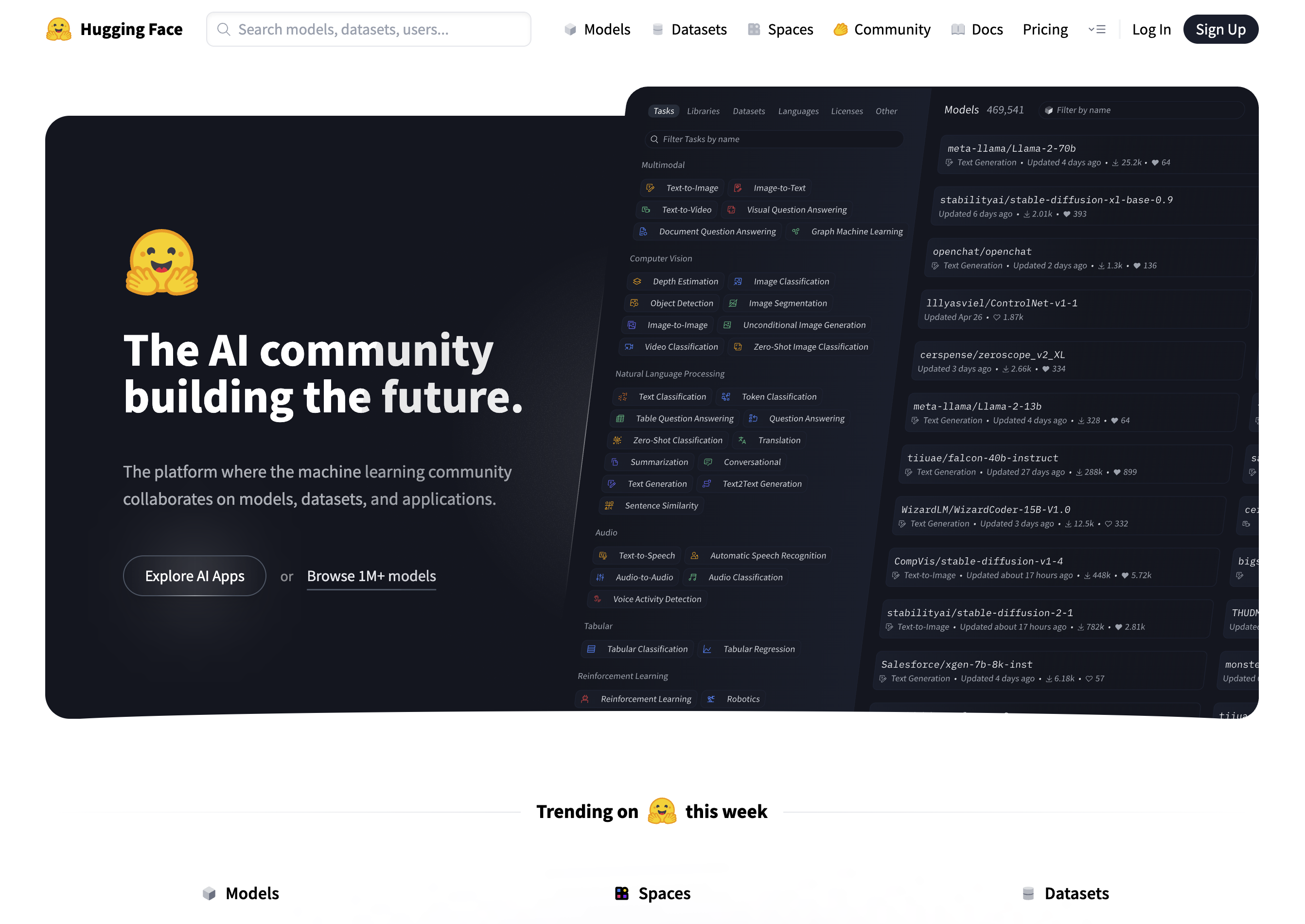
Source: https://huggingface.co
What is Hugging Face?
- It is to AI models what GitHub is to source code
- Explore, download models to run on local hardware
- Upload and share your own trained/fine-tuned models and datasets
- Create “Spaces” - web-based apps for accessing models
Demo
Exploring Qwen/Qwen2.5-0.5B-Instruct on Hugging Face
Hugging Face Transformers
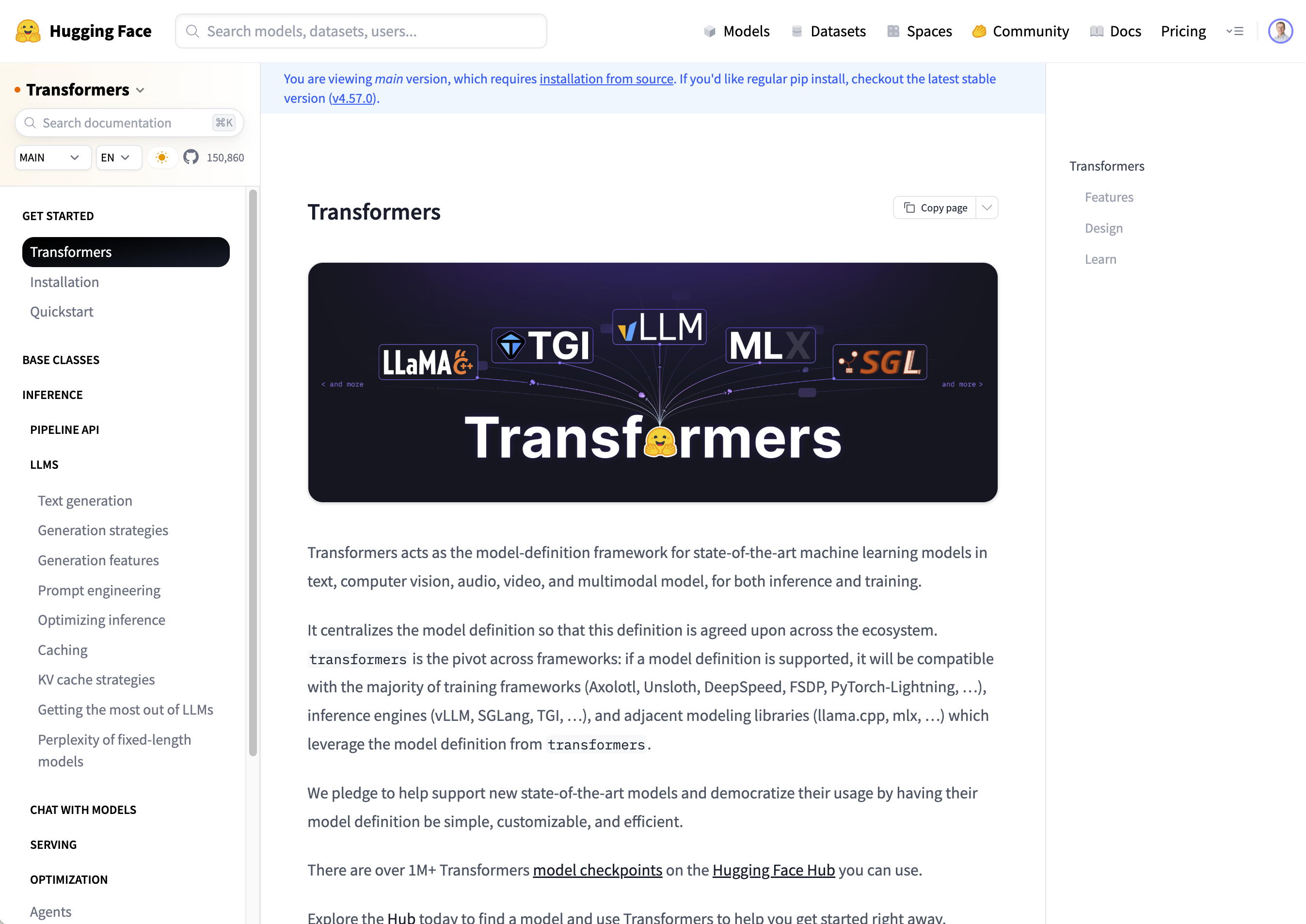
Source: https://huggingface.co/docs/transformers
Hugging Face Transformers
- What is the Hugging Face Transformers Library?
- Open-source Python library to provide easy access to using various types of pre-trained transformer models
- Brings together all of the different formats under one interface
- Different models, vendors, types, chat templates
- Different implementations: PyTorch, TensorFlow, JAX
- A few lines of code to download and run the model
Hands-On
In instruction-tuned.ipynb, explore swapping out Qwen-2.5 (base and instruct) for different models from HF
Accessing Closed Models
Accessing Closed Models
- Consumer Website / App
- e.g., ChatGPT website or AppStore App
- Limited free tier; monthly subscription for more usage
- API Access
- OpenAI’s API Platform; Create a developer account
- Credit card required
- Charged for tokens sent to the model and tokens returned from the model
- GPT 5.2 Chat = $1.75 per million tokens input; $14 per million tokens output
Accessing Closed Models
- How much is going to cost?
- Token estimators (e.g., tiktoken from OpenAI)
- Or napkin math: 100 tokens ~= 75 English words
Accessing Closed Models
- Example
- Input from user = 75 words (100 tokens)
- Output from model = 1500 words (2000 tokens)
- Total cost = 100 input tokens + 2000 output tokens
- Total cost = $0.000175 + $0.028 = $0.028175
- At scale
- 10,000 users / 1 request per month ~= $281.75/mo
- 10,000 users / 1 request per day ~= $8452.50/mo
- 10,000 users / 1 request per month ~= $281.75/mo
Calling Models via APIs
OpenAI Chat Completions API
- 2020: OpenAI launched GPT-3 API with a
/completionsendpoint.- First major LLM API
- 2022: ChatGPT launch; massive adoption
- 2023
/chat/completionsendpoint released, becomes the dominant interface - 2023-2024: Other providers use the same API format for their own models vs. inventing their own
- Build on the OpenAI developer ecosystem
- “OpenAI-compatible” became a selling point
OpenAI Chat Completions API
- Who uses the OpenAI Chat Completions API format?
- Anthropic (Claude API is very similar, with minor differences)
- OpenRouter, an inference provider for many models
- Open source tools: LiteLLM, LangChain
- Local serving: Ollama, vLLM, llama.cpp are all “OpenAI-compatible”
Using the Chat Completions API
Using the Chat Completions API
response = client.chat.completions.create(
    model="gpt-5",
    messages=[
        {"role": "system", "content": "You help travelers make plans for their trips."},
        {"role": "user", "content": "Hello"},
        {"role": "assistant", "content": "Hi there!"},
        {"role": "user", "content": "What should I do on my upcoming trip to Paris?"},
    ],
)
=== REQUEST ===
URL: https://api.openai.com/v1/chat/completions
Method: POST

Body:
{
  "messages": [
    {
      "role": "system",
      "content": "You help travelers make plans for their trips."
    },
    {
      "role": "user",
      "content": "Hello"
    },
    {
      "role": "assistant",
      "content": "Hi there!"
    },
    {
      "role": "user",
      "content": "What should I do on my upcoming trip to Paris?"
    }
  ],
  "model": "gpt-5"
}
==================================================
Using the Chat Completions API
=== RESPONSE ===
{
  "id": "chatcmpl-CuVn7EYuGJUEUEQ18Cl0SM2nNz9Mj",
  "choices": [
    {
      "finish_reason": "stop",
      "index": 0,
      "logprobs": null,
      "message": {
        "content": "Awesome! I can tailor a plan, but a few quick questions help:\n- When are you going and for how many days?\n- First time in Paris?\n- Main interests (art, food, fashion, history, photography, nightlife, kid-friendly, etc.) and preferred pace (relaxed vs. packed)?\n- Any must-sees or hard no’s?\n- Rough budget and food needs (vegetarian, kosher/halal, allergies)?\n- Where are you staying (neighborhood) and are day trips okay (Versailles, Champagne, Giverny, Disneyland)?\n\nIf you want a quick starter plan, here’s a flexible 4-day outline you can reshuffle by weather and museum closures:\n\nDay 1 – Islands + Latin Quarter\n- Île de la Cité: Notre-Dame exterior, Sainte-Chapelle (timed ticket), Conciergerie.\n- Stroll the Latin Quarter: Shakespeare & Company, Sorbonne, Luxembourg Gardens.\n- Evening: Seine cruise or sunset along the river.\n\nDay 2 – Louvre to Arc de Triomphe\n- Morning: Louvre (timed entry). Tuileries and Palais-Royal gardens.\n- Covered passages (Véronique/Grand Cerf/Jouffroy) and Opéra Garnier.\n- Sunset view: Arc de Triomphe rooftop or Galeries Lafayette/Printemps terrace.\n\nDay 3 – Montmartre + Left Bank art\n- Montmartre: Sacré-Cœur, Place du Tertre, quieter backstreets (Rue de l’Abreuvoir).\n- Afternoon: Musée d’Orsay and/or Orangerie.\n- Evening: Saint-Germain wine bar or jazz.\n\nDay 4 – Le Marais or Day Trip\n- Marais walk: Place des Vosges, Musée Carnavalet, Picasso Museum (check hours), Jewish quarter, trendy boutiques.\n- Optional day trip: Versailles (palace + gardens; get the timed passport ticket).\n- Night: Eiffel Tower area (view from Trocadéro or Champ de Mars; book tower tickets if going up).\n\nOther great adds by interest\n- Art/architecture: Rodin Museum; Bourse de Commerce; Fondation Louis Vuitton. Note: check Centre Pompidou’s renovation status.\n- Food: Morning market (Aligre or Rue Cler), cheese/wine tasting, pastry crawl, bistro lunch, cooking class.\n- Unique: Catacombs (book ahead), Père Lachaise Cemetery, Canal Saint-Martin, covered markets (Le Marché des Enfants Rouges).\n- With kids: Jardin des Plantes (zoo + galleries), Cité des Sciences, Jardin d’Acclimatation, Parc de la Villette.\n- Day trips: Giverny (Apr–Oct), Reims/Epernay for Champagne, Fontainebleau, Auvers-sur-Oise, Disneyland Paris.\n\nBook these in advance\n- Eiffel Tower, Louvre, Sainte-Chapelle, Catacombs, Versailles, Palais Garnier tours, popular restaurants.\n- Consider the Paris Museum Pass (2/4/6 days) if you’ll visit several museums; the Louvre still needs a timed reservation even with the pass.\n\nPractical tips\n- Closures: Many museums close one day/week (e.g., Orsay Mon, some Tue). Check hours.\n- Getting around: The Métro is fastest. Use a contactless bank card to tap in, or get a reloadable Navigo Easy. For a Monday–Sunday stay with lots of rides, a Navigo Découverte weekly pass can be good value.\n- Dining: Reserve for dinner, especially weekends. Tipping is minimal (service included); round up or leave 5–10% for great service.\n- Safety: Watch for pickpockets in crowded areas and on the Metro.\n\nShare your dates, length of stay, and interests, and I’ll turn this into a detailed day-by-day plan with mapped routes and restaurant picks near each stop.",
        "refusal": null,
        "role": "assistant",
        "annotations": [],
        "audio": null,
        "function_call": null,
        "tool_calls": null
      }
    }
  ],
  "created": 1767584609,
  "model": "gpt-5-2025-08-07",
  "object": "chat.completion",
  "service_tier": "default",
  "system_fingerprint": null,
  "usage": {
    "completion_tokens": 2224,
    "prompt_tokens": 44,
    "total_tokens": 2268,
    "completion_tokens_details": {
      "accepted_prediction_tokens": 0,
      "audio_tokens": 0,
      "reasoning_tokens": 1408,
      "rejected_prediction_tokens": 0
    },
    "prompt_tokens_details": {
      "audio_tokens": 0,
      "cached_tokens": 0
    }
  }
}
Demo
OpenAI Chat Completion API notebook
Chat History Management
- Key Considerations
- Models don’t hold any state
- API sends full conversation on every request and the model reads through the full conversation on every call
- The size of the conversation is known as the context
- The maximum size the model can process is referred to as the context window
Chat History Management
- Context window sizes
- GPT-2 = 2048 tokens
- Today’s nano models ~= 32k tokens
- Today’s small models ~= 120k tokens
- Today’s frontier models ~= 1M tokens
- Large conversations can cause challenges
- They are expensive (you pay per token for whole conversation every time)
- Small models often forget early details in long conversation histories
Chat History Management
- Mitigation Strategies
- Remove older messages from the history
- Implement sliding window across the conversation history
- Summarize older messages and rewrite the history
Calling Other Models
Calling Other Models
- We could just duplicate our notebook, change the URL to another provider (e.g., Claude, Google, etc.), but:
- A separate account with each provider
- A separate credit card with each provider
- A separate API key to use for each provider
- Duplicate notebooks for each provider
- Wouldn’t it be nice to have a single service (inference provider) that exposed lots of different models
Introducing OpenRouter
- Introducing OpenRouter (https://openrouter.ai)
- A unified API to hundreds of AI models through a single endpoint
- (Using OpenAI’s Chat Completion API)
- OpenAI, Claude, Gemini, Grok, Nova, Llama, DeepSeek, Qwen, and many others.
- Pay per API call, often same cost as the provider
- Newer APIs tend to be free for a short period
Using OpenRouter
Using OpenRouter
MODEL = 'openai/gpt-5.2-chat' #@param ["openai/gpt-5.2-chat", "anthropic/claude-sonnet-4.5", "google/gemini-2.5-pro"]

response = client.chat.completions.create(
    model=MODEL,
    messages=[
        {"role": "system", "content": "You help travelers make plans for their trips."},
        {"role": "user", "content": "Hello"},
        {"role": "assistant", "content": "Hi there!"},
        {"role": "user", "content": "What should I do on my upcoming trip to Paris?"},
    ],
)
=== REQUEST ===
URL: https://openrouter.ai/api/v1/chat/completions
Method: POST

Body:
{
  "messages": [
    {
      "role": "system",
      "content": "You help travelers make plans for their trips."
    },
    {
      "role": "user",
      "content": "Hello"
    },
    {
      "role": "assistant",
      "content": "Hi there!"
    },
    {
      "role": "user",
      "content": "What should I do on my upcoming trip to Paris?"
    }
  ],
  "model": "openai/gpt-5.2-chat"
}
==================================================
Using OpenRouter
=== RESPONSE ===
{
  "id": "gen-1767585819-snubWxcK6sJM3RdE9rJX",
  "choices": [
    {
      "finish_reason": "stop",
      "index": 0,
      "logprobs": null,
      "message": {
        "content": "Paris has something for almost every kind of traveler! Here’s a well‑rounded starting plan, and then I can tailor it more if you tell me your interests, travel dates, and how long you’ll be there.\n\n### Must‑See Highlights\n- **Eiffel Tower** – Go up for the views or enjoy it from below at Trocadéro or Champ de Mars.\n- **Louvre Museum** – Even if you don’t love museums, seeing the Mona Lisa and the building itself is worth it.\n- **Notre‑Dame Cathedral** – Admire the exterior and surroundings; interior access is gradually reopening.\n- **Montmartre & Sacré‑Cœur** – Charming streets, artists, and great city views.\n\n### Classic Paris Experiences\n- **Stroll along the Seine** – Especially at sunset.\n- **Café culture** – Sit at a café with a coffee or glass of wine and people‑watch.\n- **Boulangeries & pastries** – Try croissants, pain au chocolat, macarons.\n- **Seine river cruise** – Relaxing and great for first‑time visitors.\n\n### Art, History & Culture\n- **Musée d’Orsay** – Impressionist masterpieces in a stunning former train station.\n- **Le Marais** – Historic district with boutiques, museums, and lively streets.\n- **Latin Quarter** – Bookshops, old streets, and student energy.\n\n### Food & Drink\n- **Bistro dining** – Try classic French dishes like boeuf bourguignon or duck confit.\n- **Food markets** – Marché des Enfants Rouges is a favorite.\n- **Wine & cheese tasting** – Many small shops offer guided tastings.\n\n### Day Trips (if you have extra time)\n- **Versailles** – Palace and gardens (half‑day or full‑day trip).\n- **Giverny** – Monet’s gardens (spring/summer).\n- **Champagne region** – For wine lovers.\n\n### Practical Tips\n- Buy museum tickets in advance.\n- Walk as much as possible—Paris is very walkable.\n- Learn a few French phrases; locals appreciate the effort.\n\nIf you’d like, tell me:\n- How many days you’ll be there  \n- Your interests (food, art, history, shopping, nightlife, romance, family travel)  \n- Your budget level  \n\nAnd I’ll create a personalized day‑by‑day itinerary for you.",
        "refusal": null,
        "role": "assistant",
        "annotations": null,
        "audio": null,
        "function_call": null,
        "tool_calls": null,
        "reasoning": null
      },
      "native_finish_reason": "completed"
    }
  ],
  "created": 1767585819,
  "model": "openai/gpt-5.2-chat",
  "object": "chat.completion",
  "service_tier": null,
  "system_fingerprint": null,
  "usage": {
    "completion_tokens": 506,
    "prompt_tokens": 44,
    "total_tokens": 550,
    "completion_tokens_details": {
      "accepted_prediction_tokens": null,
      "audio_tokens": null,
      "reasoning_tokens": 0,
      "rejected_prediction_tokens": null,
      "image_tokens": 0
    },
    "prompt_tokens_details": {
      "audio_tokens": 0,
      "cached_tokens": 0,
      "video_tokens": 0
    },
    "cost": 0.007161,
    "is_byok": false,
    "cost_details": {
      "upstream_inference_cost": null,
      "upstream_inference_prompt_cost": 0.000077,
      "upstream_inference_completions_cost": 0.007084
    }
  },
  "provider": "OpenAI"
}
Demo
OpenRouter overview and notebook
Hands-On
Register for an OpenRouter account, create an API key, import into the OpenRouter Notebook (chat-completion-openrouter.ipynb) and experiment with different models
Token Streaming and Structured Outputs
Token Streaming
- In our notebooks, responses can take a few seconds to be returned
- Not the best user experience, especially for consumer products
- Need a way to support streaming of tokens as they are generated (a.k.a. “typewriter effect”)
- Streaming added to Chat Completions API in early 2023
- Supported by other major vendors (Anthropic, Cohere, etc.)
- Now expected as a baseline feature
How Does Token Streaming Work?
- Uses SSE (Server-Sent Events)
- Unidirectional (server to client)
- Uses standard HTTP/1.1 or HTTP/2
- Server sends a response with a
text/event-streamMIME type - Client uses built-in
EventSourceAPI to open the connection, listen to messages, and handle events.
SSE Data Format
data: {"choices":[{"delta":{"content":"Hello"}}]}

data: {"choices":[{"delta":{"content":" world"}}]}

data: [DONE]
Data sent as chunks, prefixed with data: and separated by double newlines
Implementing Token Streaming
MODEL = 'openai/gpt-5.2-chat' #@param ["openai/gpt-5.2-chat", "anthropic/claude-sonnet-4.5", "google/gemini-2.5-pro"]

response = client.chat.completions.create(
    model=MODEL,
    messages=[
        {"role": "system", "content": "You help travelers make plans for their trips."},
        {"role": "user", "content": "Hello"},
        {"role": "assistant", "content": "Hi there!"},
        {"role": "user", "content": "What should I do on my upcoming trip to Paris?"},
    ],
    stream=True, # Enable streaming
)

# Iterate through the stream and print each token as it arrives
for chunk in response:
    # Each chunk contains a delta with the new content
    if chunk.choices[0].delta.content is not None:
        token = chunk.choices[0].delta.content
        print(token, end='', flush=True)
Structured Output
Structured Output
- So far, the models have generated non-structured output (i.e., free-form text)
- Sometimes, paragraph. Sometimes, numbered list.
- But often, you need structure
- “Return your result in JSON format”
- “Give me the coordinates for Paris”
- “What’s the temperature in Paris right now?”
Structured Output
- You can try to use the system prompt
- “Return the result in JSON only”
- But… it doesn’t always work
- Early/small models struggle with correct JSON formatting
- Even larger models make mistakes (e.g., missing closing brace)
- Sometimes the models just forget!
- “RETURN THE RESULT IN JSON ONLY. NO OTHER TEXT!!!”
Structured Outputs in OpenAI API
- Nov 2023: OpenAI added JSON mode
response_format: {"type": "json_object"}- Guaranteed valid JSON, but didn’t enforce schema
- Sometimes mixed up/missed fields
- Aug 2024: Structured Outputs launched
response_format: {"type": "json_object", ...}- 100% reliability that output matches the your schema
How Structured Outputs Work
- Constrained Decoding
- When generating responses, the model normally samples from all possible next tokens
- With constrained decoding, the next token is dynamically filtered to only allow tokens that keep the output schema valid
- e.g., if schema requires an integer, string tokens are masked out from the probability distribution
How Structured Outputs Work
- Runs on server (or in library) - not fine-tuning approach
- Slightly slower token generation due to computational overhead
- Technically, it’s mathematically impossible to generate invalid output
- (Real world: I see ~1:7000 error rates with GPT-5.1 chat)
Implementing Structured Outputs
Implementing Structured Outputs
MODEL = 'openai/gpt-5.2-chat' #@param ["openai/gpt-5.2-chat", "anthropic/claude-sonnet-4.5", "google/gemini-2.5-pro"]

response = client.chat.completions.parse(
    model=MODEL,
    messages=[
        {"role": "user", "content": "What are the GPS coordinates for Paris?"},
    ],
    response_format=Location
)

completion = response.choices[0].message
print(completion)
ParsedChatCompletionMessage[Location](content='{"name":"Paris","country":"France","latitude":48.8566,"longitude":2.3522}', refusal=None, role='assistant', annotations=None, audio=None, function_call=None, tool_calls=None, parsed=Location(name='Paris', country='France', latitude=48.8566, longitude=2.3522), reasoning=None)Implementing Structured Outputs
{"name":"Paris","country":"France","latitude":48.8566,"longitude":2.3522}
name='Paris' country='France' latitude=48.8566 longitude=2.3522
Paris, France has GPS coordinates of 48.8566, 2.3522
Demo
Token Streaming and Structured Outputs
Hands-On
Investigate token-streaming.ipynb and structured-outputs.ipynb.
Try creating changing the prompt and returning a different schema. Bonus points for a nested schema!
Creating a Chat UI
Creating a Chat UI
- Up to now, we’ve been making requests and printing the responses
- Good for learning concepts, but not a “product” that others can use
- We want to build a UI that supports conversation threads, streaming, rich inputs/outputs, etc.
- But we don’t want to start from scratch!
Introducing Gradio
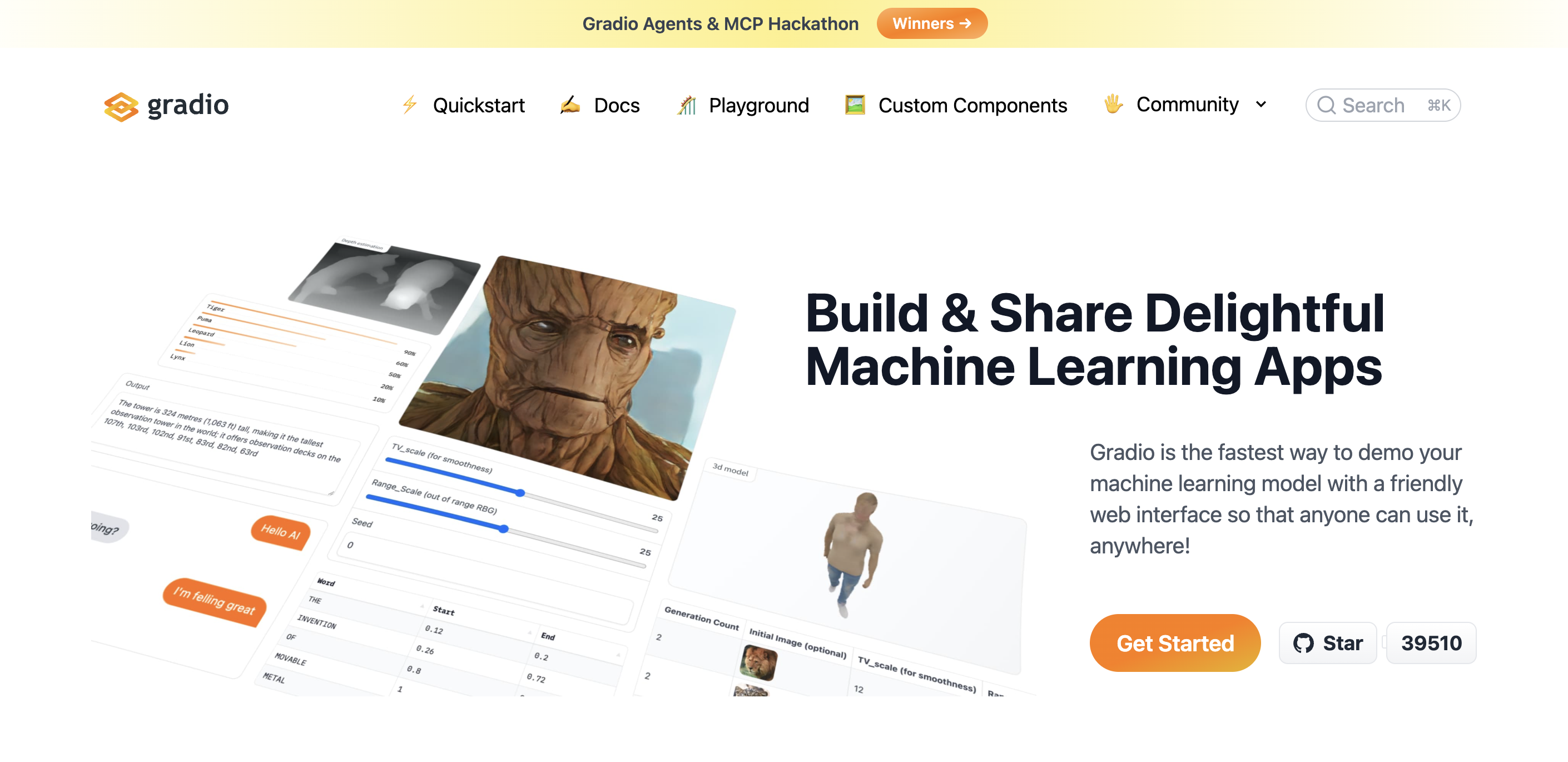
Source: https://www.gradio.app/
What is Gradio?
- Created in 2019: Startup called Gradio developing demos for research/academia
- Acquired by Hugging Face in 2021: became the standard interface for Hugging Face Spaces
- Now industry standard: For ML demos - used by researchers, startups to showcase models without front-end expertise
What is Gradio?
- Rapid UI creation with minimal code
- 5-10 lines of Python for an interactive interface. No HTML, CSS, JS required.
- Rich input/output types
- Text, images, audio, video, files, dataframes, etc.
- ML workflows
- Supports streaming, queues, flagging/feedback
- Deployment flexibility
- Can run locally, create temporary public links, or embed in production apps
Example 1: Basic Interface
Example 1: Basic Interface
* Running on local URL:  http://127.0.0.1:7862
* To create a public link, set `share=True` in `launch()`.
Example 2: Basic Chat Interface
import gradio as gr

def chat_with_history(message, history):
    # Add current message
    messages = history + [{"role": "user", "content": message}]

    # Get response from API
    response = client.chat.completions.create(
        model='openai/gpt-5.2-chat',
        messages=messages,
    )

    return response.choices[0].message.content

# Create a chat interface
demo = gr.ChatInterface(
    fn=chat_with_history,
    title="Basic Chat with Conversation History",
    type="messages"
)

demo.launch()
Example 2: Basic Chat Interface
* Running on local URL:  http://127.0.0.1:7863
* To create a public link, set `share=True` in `launch()`.
Example 3: Streaming Chat Interface
import gradio as gr

def chat_with_streaming(message, history):
    messages = history + [{"role": "user", "content": message}]

    # Stream the response
    stream = client.chat.completions.create(
        model='openai/gpt-5.2-chat',
        messages=messages,
        stream=True,
    )

    response_text = ""
    for chunk in stream:
        if chunk.choices[0].delta.content is not None:
            token = chunk.choices[0].delta.content
            response_text += token
            yield response_text

# Create streaming chat interface
demo = gr.ChatInterface(
    fn=chat_with_streaming,
    title="AI Chat with Streaming",
    type="messages"
)

demo.launch()
Example 3: Streaming Chat Interface
* Running on local URL:  http://127.0.0.1:7864
* To create a public link, set `share=True` in `launch()`.
Demo
Gradio Demo Notebook
Note: We’ll be using Gradio 5.x latest (vs. 6.x) throughout the semester.
Hands-On
Explore the three examples in gradio.ipynb.
Try enabling share=True and sharing with others.
Looking Ahead
Looking Ahead
- This week’s assignment!
- Explore AI Agents
- Create agents, building upon our knowledge of Gradio
- Give the agent documents and tools to perform functions beyond what an LLM can do
References
References