Module 3: Agents and Tools
Recap
- Understood the evolution and licensing of models from GPT-2 through to modern day
- Understood instruction-tuned models, how they work, and how to configure
- Setup and used OpenRouter for accessing hosted models
- Understood the OpenAI API specification, the request/response payload, parameters, streaming, and structured output
- Created and shared a chatbot using a Gradio-based UI
Lesson Objectives
- Describe the fundamental concepts behind Agents/Agentic AI
- Explore and provide feedback on an existing multi-agent setup
- Understand available agent SDKs, how they differ, and advantages/disadvantages
- Use the OpenAI Agents SDK to build a multi-agent system, including document indexing and retrieval
- Understand and implement tool calls and implement using OpenAI’s function calling and via MCP
Why Agents?
Why Agents?
- Limitations of our prior chatbots
- Needs constant human input every turn; No ability to plan beyond a single interaction
- Single model with single context (conversation)
- No ability to interact with external systems
Introducing Agents
What is an Agent?
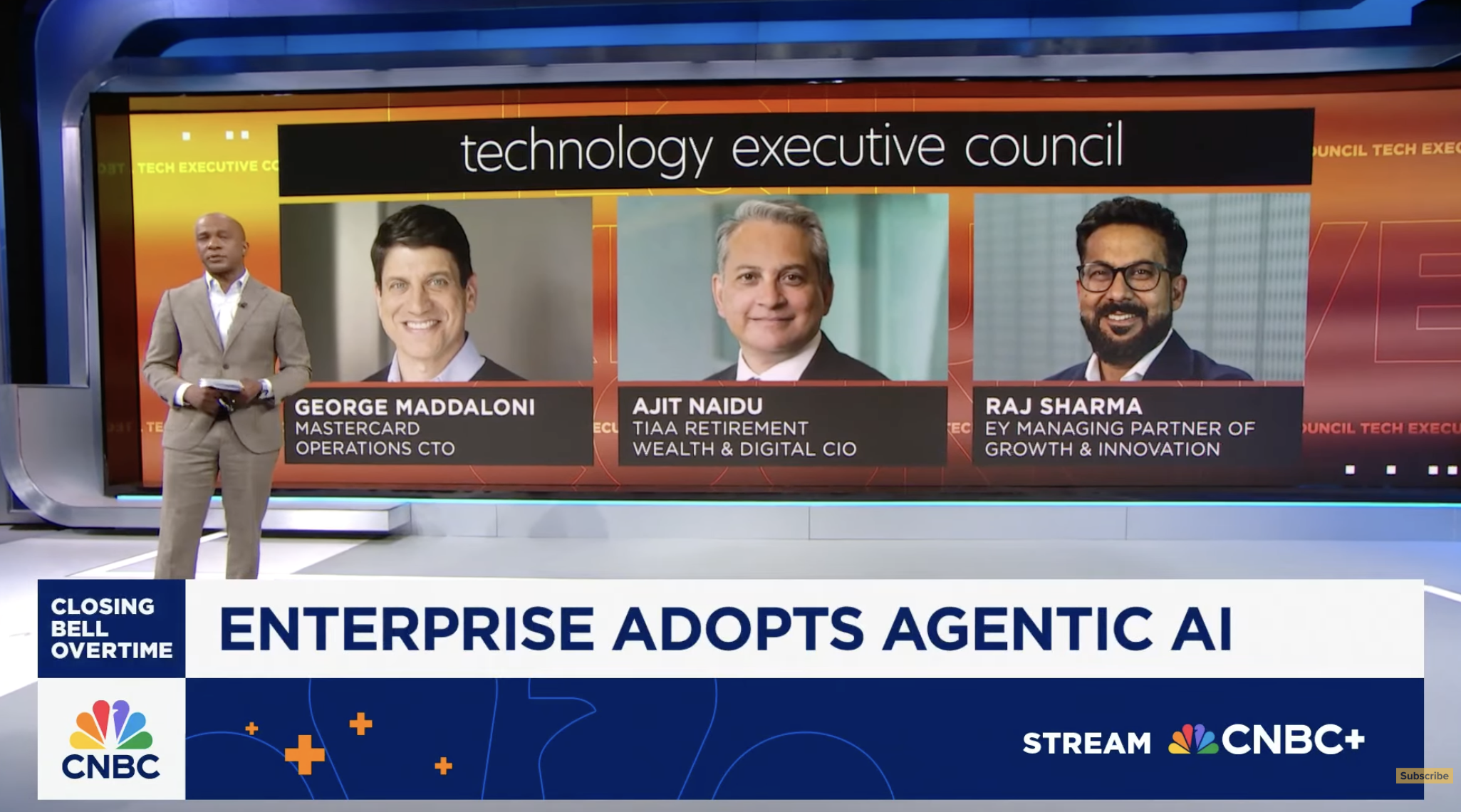
Source: https://www.youtube.com/watch?v=bwXaJXgezf4
What is an Agent?
Source: https://www.weforum.org/stories/2025/06/cognitive-enterprise-agentic-business-revolution/
What is an Agent?
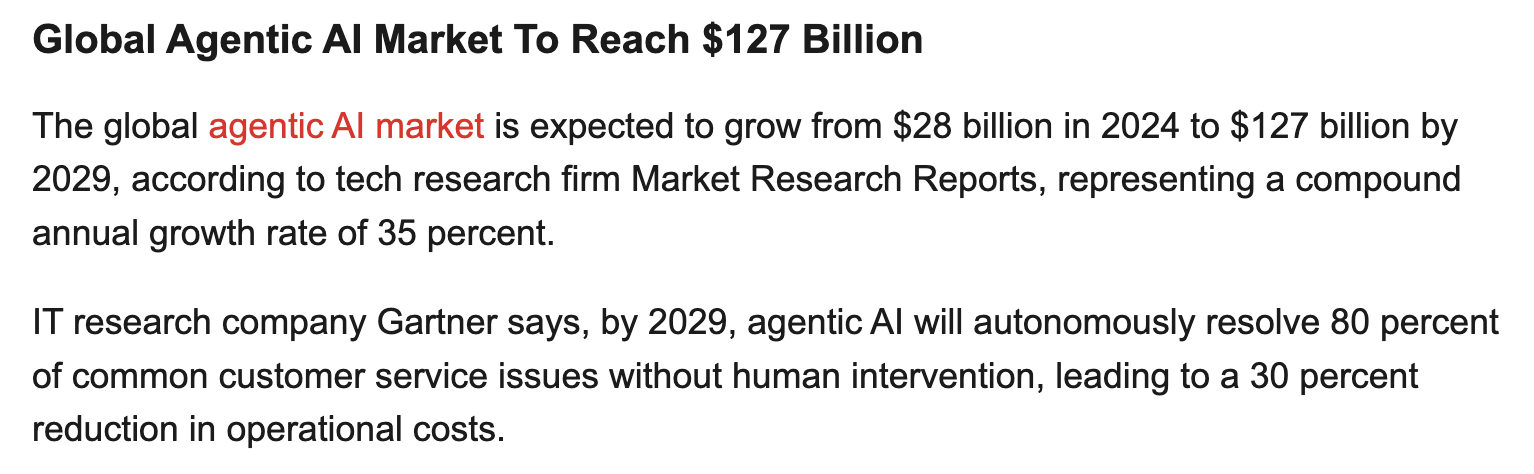
Source: https://www.crn.com/news/ai/2025/10-hottest-agentic-ai-tools-and-agents-of-2025-so-far
What is an Agent?
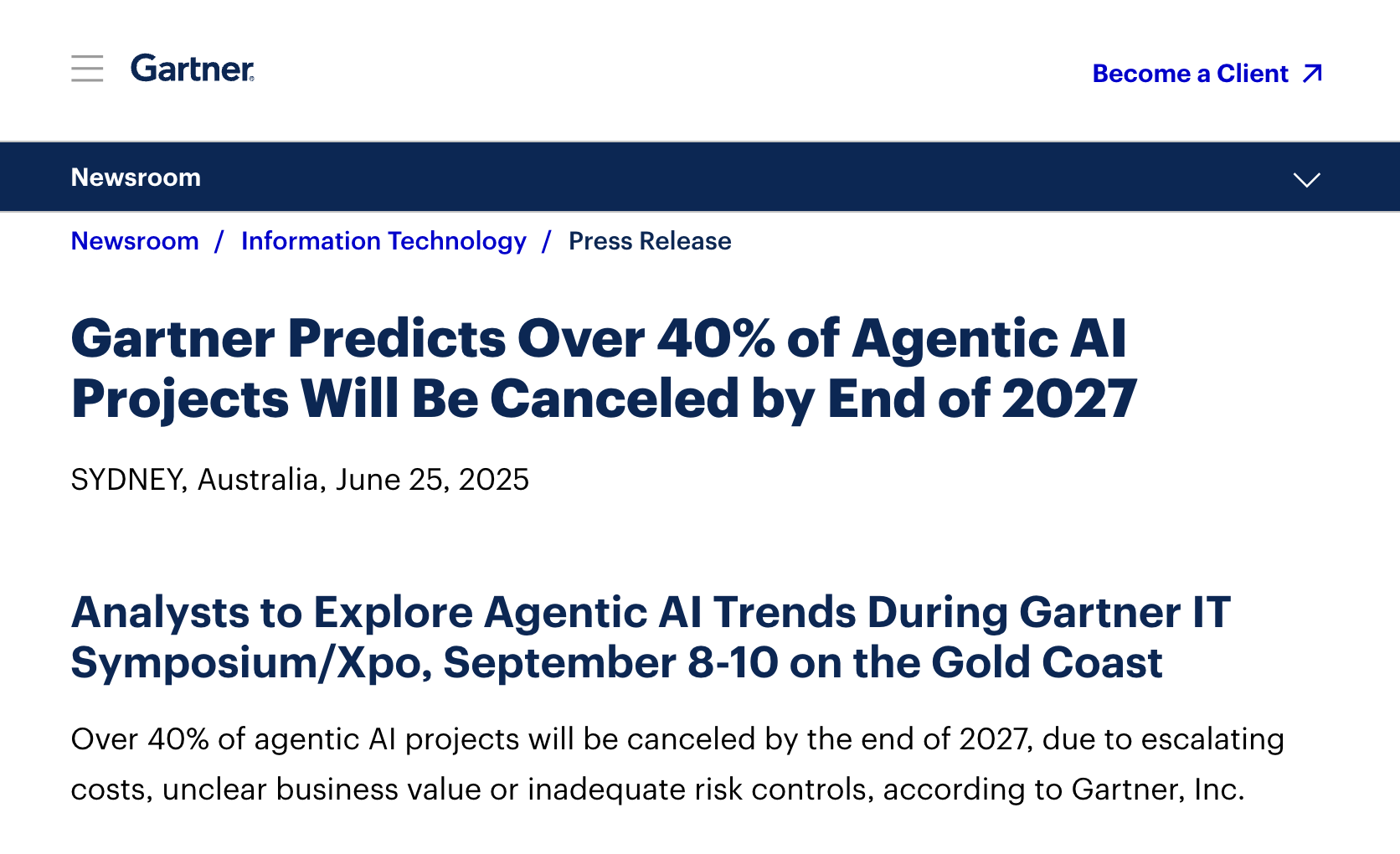
Source: https://www.gartner.com/en/newsroom/press-releases/2025-06-25-gartner-predicts-over-40-percent-of-agentic-ai-projects-will-be-canceled-by-end-of-2027
What is an Agent?
Imagine a DigiPen Campus Assistant: An AI agent that can help you navigate anything and everything at DigiPen!
- “Where can I find the ‘Hopper’ room?”
- “Can you tell me more about FLM201?”
- “Oh, and what’s today’s vegetarian option at the Bytes Cafe?”
Five Characteristics of Agents
- Agents are Planners
- Agents are driven by goals
- And they can put together a plan for the steps to complete that goal.
- “First, I will discover where course information is located”
- “Then I will search for any courses that reference FLM201”
- “Then I summarize all of the key points for the student”
Five Characteristics of Agents
- Agents are Autonomous
- Agents can then go off and execute the plan, independent of human input
- The concept of “human in the loop” still applies for confirmation
- e.g. “Do you really want to place this order at the Bytes Cafe?”
Five Characteristics of Agents
- Agents are Reactive
- Agents can change mid-course depending on what they find and/or the environment.
- e.g. “I couldn’t find any course information on FLM201. I’m going to check if there are other 200-level FLM courses before responding to the student.”
Five Characteristics of Agents
- Agents have Persistence
- Agents often have memory systems beyond the current conversation
- Broadly classified as short and long-term memory
- Short-term memory could be your order request at the Bytes cafe
- Long-term memory could be your food preferences
Five Characteristics of Agents
- Agents can Interact with external systems
- Agents can delegate to other agents for complex tasks
- (Or for tasks where other agents are better suited for.)
- e.g., Campus Agent -> delegating to a Course Agent
- Agents can also be given access to external tools
- e.g., File search, Web search, access to the Bytes Cafe API
Hands-On
Try the DigiPen Campus Agent!
https://simonguest-campus-agent.hf.space/
Q: What worked? What surprised you?
Q: What didn’t work? Where did the agent fail?
OpenAI Agents SDK
OpenAI Agents SDK
- Announced in Mar 2025
- Together with web search, file search, and computer use
- And a new Responses API (formerly Assistants API)
OpenAI Agents SDK
- Created to address the gap between chat completions (what we were using last week) and multi-step systems
- vs. building your own, which a lot of developers were doing at the time
- Integrates function calling, handoffs, and session management in the same package
- Supports Python and TypeScript; MIT licensed
Not the only Agent SDK in town!
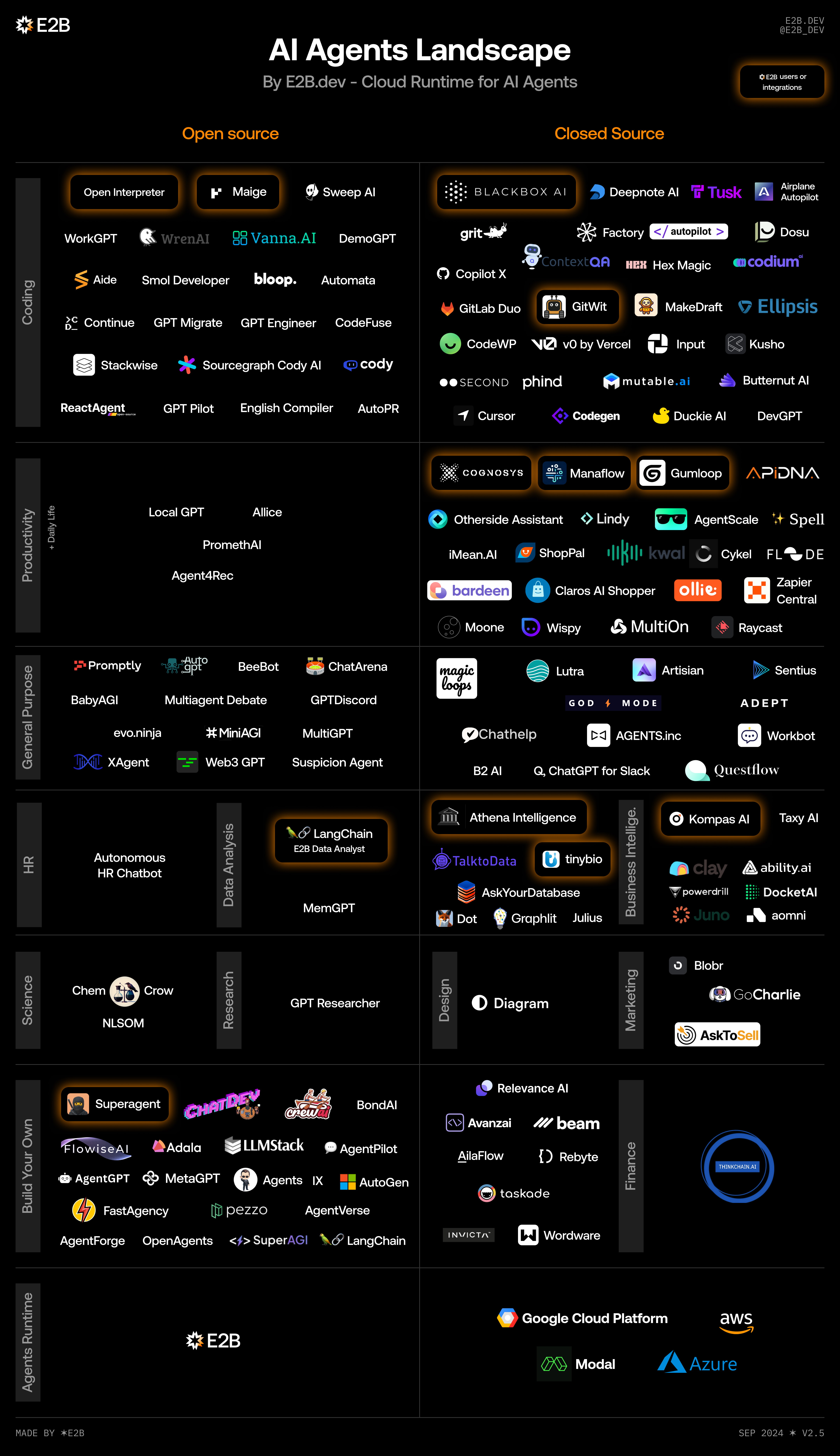
Source: https://e2b.dev
LangGraph
- https://langchain-ai.github.io/langgraph/
- Python only
- MIT License
- One of the first agent frameworks, building on LangChain
- IMO, too abstract/complex/bloated
Crew.ai
- https://github.com/crewaiinc/crewai
- Python only
- One of the more popular commercial offerings
- (Although they do have an MIT License/freemium model)
Microsoft
- AutoGen
- https://microsoft.github.io/autogen/stable/
- Python (.NET coming soon)
- MIT License
- Microsoft Semantic Kernel
- https://github.com/microsoft/semantic-kernel
- Python, .NET, Java
- MIT License
Microsoft
- Now converging into the Microsoft Agent Framework
- One of the few agent SDKs to support .NET
- Speaking of which, why are most SDKs in Python?
How Does the Campus Agent Work?
Agent Structure
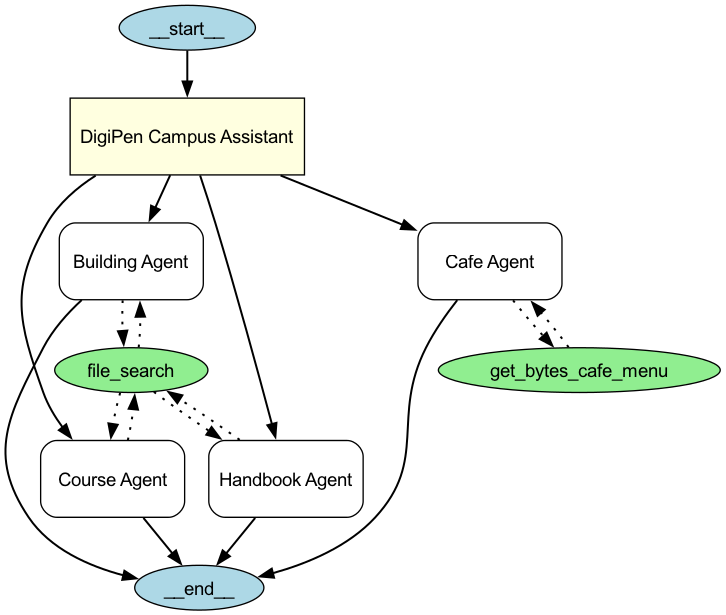
Agents and tools for the DigiPen Campus Agent
Campus Agent
Building Agent
building_agent = Agent(
    name="Building Agent",
    instructions="You help students locate and provide information about buildings and rooms on campus. Be descriptive when giving locations.",
    tools=[
        FileSearchTool(
            max_num_results=3,
            vector_store_ids=[VECTOR_STORE_ID],
            include_search_results=True,
        )
    ],
)
Course Agent
Handbook Agent
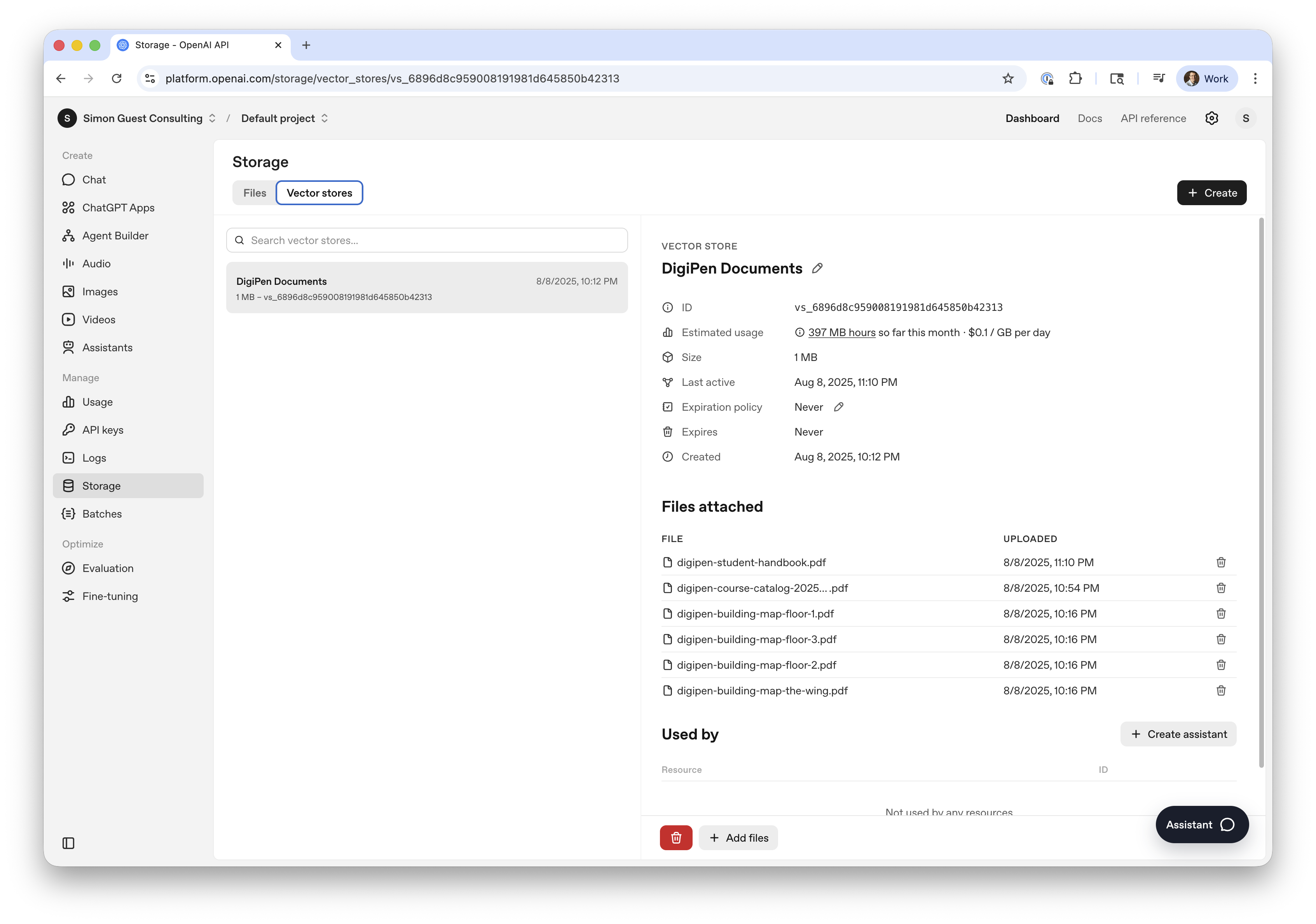
What’s a Vector Store?
- A way to provide domain-specific knowledge beyond training data
- e.g., current semester course information that is newer than GPT-5.2’s cutoff date
- We could just insert these into the context window
- But doesn’t scale to more than a few documents
What’s a Vector Store?
- Instead, we use a vector store
- Converts documents, paragraphs, or sentences into vector embeddings
- (Remember these from module 1? :)
- Similar concepts are close to each other in vector space
- Which makes it efficient to query
- Queries return the document (or pages within a document) that match
- e.g., “Michelangelo” returns “Page 1 of the floor map”
What’s a Vector Store?
- Foundation for RAG (Retrieval Augmented Generation)
- (Which we will cover in module 6)
- Many different types of vectors stores/databases
- For now, we will be using OpenAI’s storage
What’s a Vector Store?
Agent Structure
Agents and tools for the DigiPen Campus Agent
Why Do Agents Need Tools?
- The scope of the agent’s ability is contained within the model
- Tools enable the agent to reach out to systems beyond the model
- Examples
- Read a file from disk or search the web (built in)
- Calculator (because LLMs aren’t great at math)
- Code interpreter (running code on the fly)
OpenAI Tool Calling
- Introduced by OpenAI in June 2023
- Originally called Function Calling
- Models are fine-tuned to return a structured function_call JSON object, specifying which function to call and with what arguments.
- Tools are provided as functions
- Option for the LLM to decide when to call the tool (always, never, auto)
Cafe Agent
Cafe Agent Tool
from agents import function_tool

@function_tool
def get_bytes_cafe_menu(date: str) -> any:
    return {
        f"{date}": {
            "daily byte": {
                "name": "Steak Quesadilla",
                "price": 12,
                "description": "Flank steak, mixed cheese in a flour tortilla served with air fried potatoes, sour cream and salsa",
            },
            "vegetarian": {
                "name": "Impossible Quesadilla",
                "price": 12,
                "description": "Impossible plant based product, mixed cheese in a flour tortilla served with air fried potatoes, sour cream and salsa",
            },
            "international": {
                "name": "Chicken Curry",
                "price": 12,
                "description": "Chicken thighs, onion, carrot, potato, curry sauce served over rice",
            },
        }
    }
Sidebar: Fine-tuning models for Tools
- How do models know when they should call a tool?
- Models are fine-tuned on conversations with tool call examples
- The model learns patterns like “when the user asks about the weather, call the get_weather tool”
- The request to call the tool is returned as a JSON payload
Sidebar: Fine-tuning models for Tools
Sidebar: Fine-tuning models for Tools
- The client then calls the tool with the required parameters
- And returns the result back to the model as a “tool” role message
Sidebar: Fine-tuning models for Tools
Sidebar: Fine-tuning models for Tools
- RLHF is used to improve the accuracy for tool selection
- Rewards are given for correctly choosing the right tool for a task
- Or penalized for hallucinating tools and methods that don’t exist
Let’s Run the Campus Agent
Let’s Run the Campus Agent
- Does the OpenAI Agents SDK work with OpenRouter?
- Yes and No :)
- Yes to core functionality
- Creating an agent, handoffs, calling custom tools
- No to calling built-in OpenAI tools
- File search, Web search, Code interpreter
Let’s Run the Campus Agent
- We’ll need to create an OpenAI developer account
- Potentially add some credits to it
Hands-On
Create a new developer account at https://platform.openai.com
Create a new API key at https://platform.openai.com/settings/organization/api-keys
Hands-On
Get the Campus Agent Notebook up and running (campus-agent.ipynb)
Experiment with the prompts, agents, hand-offs
Multiple Agents
Why Multiple Agents?
- Context window limitations
- Each agent can have a different system prompt (instructions)
- Makes tool separation cleaner and more accurate
- Each agent can have a different underlying model
- Specialized models (e.g., a vision encoder)
- Or to blend cost
Why Multiple Agents?
- Cost considerations are really important with agents
- Large number of tokens for reasoning
- Handoffs with multiple API calls
- Even more tokens with verbose tool calls
- Mitigations
- Does every agent need full GPT / frontier model capability?
- Agents doing primarily function calling (e.g., file search) can be much smaller/cheaper
Example of Multiple Agents
- Code generation
- Agents for ‘architect’, code writer, tester, debugger, etc.
- Content generation
- Agent to create content, other agents to generate images, translate content, etc.
- Travel booking
- Agent to book flights, hotels, cars, etc. for packages
Patterns for Agents
- As you get deeper into building agents, patterns start to emerge
- Router (which is what we used in our demo) - hand off of tasks
- Orchestrator (using other agents as tools)
- Parallel agents (calling other agents in parallel and aggregating results)
Patterns for Agents
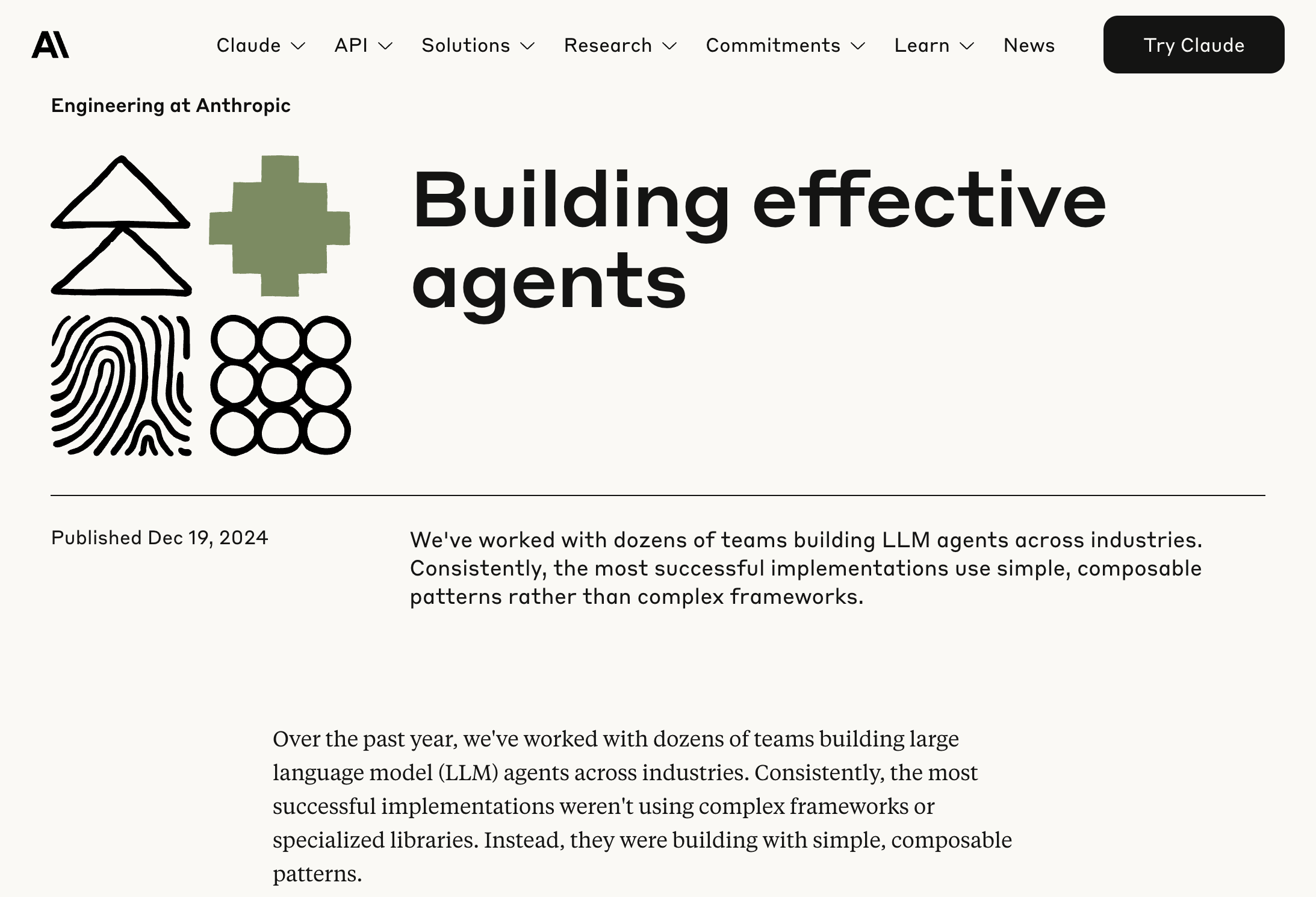
Source: https://www.anthropic.com/engineering/building-effective-agents
When Things Go Wrong
When Things Go Wrong
- Agents can be difficult to debug
- Incorrect handoffs
- Infinite loops can be common
- Failed to call the right tool at the right time
When Things Go Wrong
- OpenAI Agents SDK includes built-in tracing
- Actually enabled by default!
- Comprehensive record of:
- generations
- tool calls
- handoffs
- guardrails
- custom events
Demo
Agent Memory
The Need for Memory
- Just like API calls, agents need the conversation/context every call
- This can be challenging with agents working on long-running tasks
- And/or agents working on multiple threads with other agents
- Short-term and long-term memory
Short-term Memory
- Used to store/retreive the current conversation thread
- Built-in to most SDKs
- In OpenAI Agents SDK called a
session
Short-term Memory
Short-term Memory
Short-term Memory
Short-term Memory
Demo
Short-Term memory in OpenAI Agents SDK (memory.ipynb)
Long-term Memory
- More challenging
- You don’t want to store/retrieve the entire conversation
- Long-term memory types
- Factual: General facts (e.g., name, address, seating preferences)
- Episodic: Past conversations (e.g., user booked a trip to Paris)
- Procedural: Learnings (e.g., the best hotel site to book accommodation)
Implementing Long-term Memory
- Lots of startup options!
- Supermemory
- Letta
- mem0
- …and lots more
Implementing Long-term Memory (mem0)
from mem0 import Memory
memory = Memory()

# Create new memories from the conversation
messages.append({"role": "assistant", "content": assistant_response})
memory.add(messages, user_id=user_id)

# Retrieve relevant memories
relevant_memories = memory.search(query=message, user_id=user_id, limit=3)
# (append these to the system prompt)
Implementing Long-term Memory
- Or “roll your own”
- Long-term memory types
- Factual, Episodic, Procedural
- Create tools for factual storage
- e.g., a profile tool with set/get options
- Use LLM to summarize short-term session conversations to store episodic and procedural learnings.
Beyond Tool Calling
Beyond Tool Calling
- Tool calling is super useful, but…
- You need to write the function(s) yourself
- And then expose them to OpenAI using the
@function_toolmethod
- What if there was a way to standardize this?
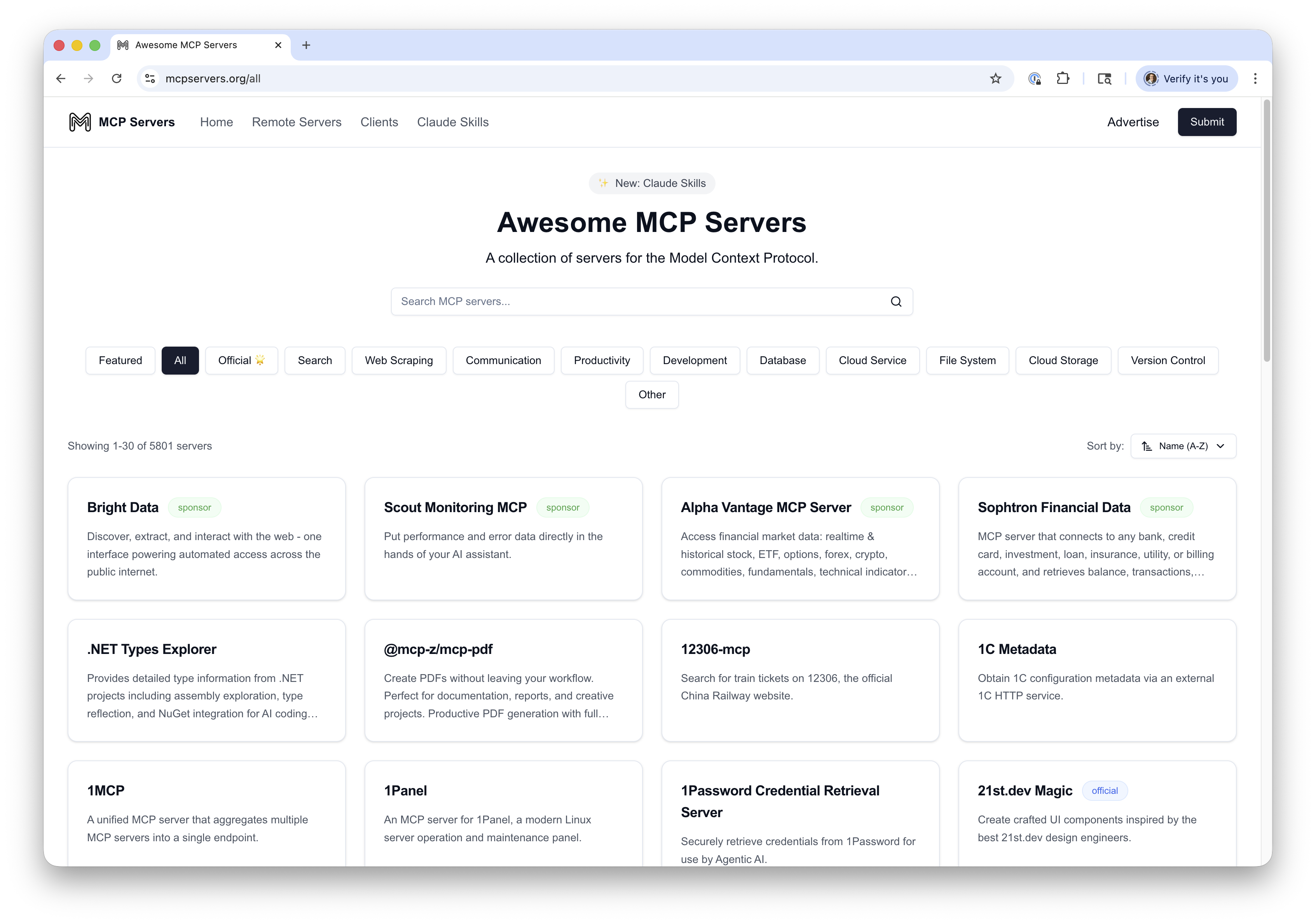
MCP (Model Context Protocol)
- Released by Anthropic in Nov 2024
- Provides a standard interface for tools - akin to a USB standard for peripherals
- Implementations are known as “MCP servers”
- A server exposes one or more tools (functions)
- Uses JSON-RPC 2.0 as underlying RPC protocol
- Servers can run remotely over HTTP (supports SSE)
- Or can be hosted locally and accessed via stdio
- Many servers hosted using Node.js
MCP (Model Context Protocol)
MCP (Model Context Protocol)
MCP (Model Context Protocol)
Demo
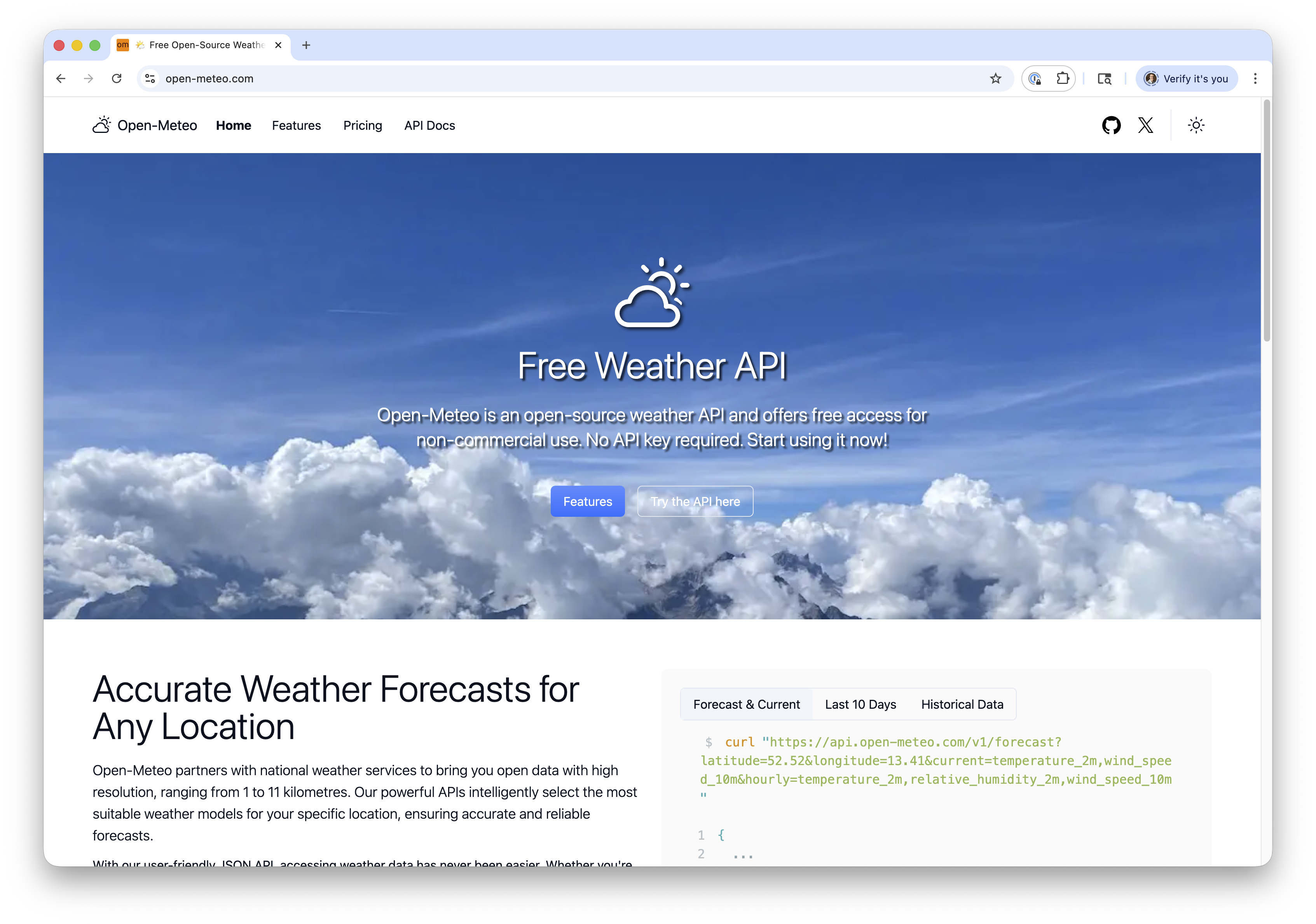
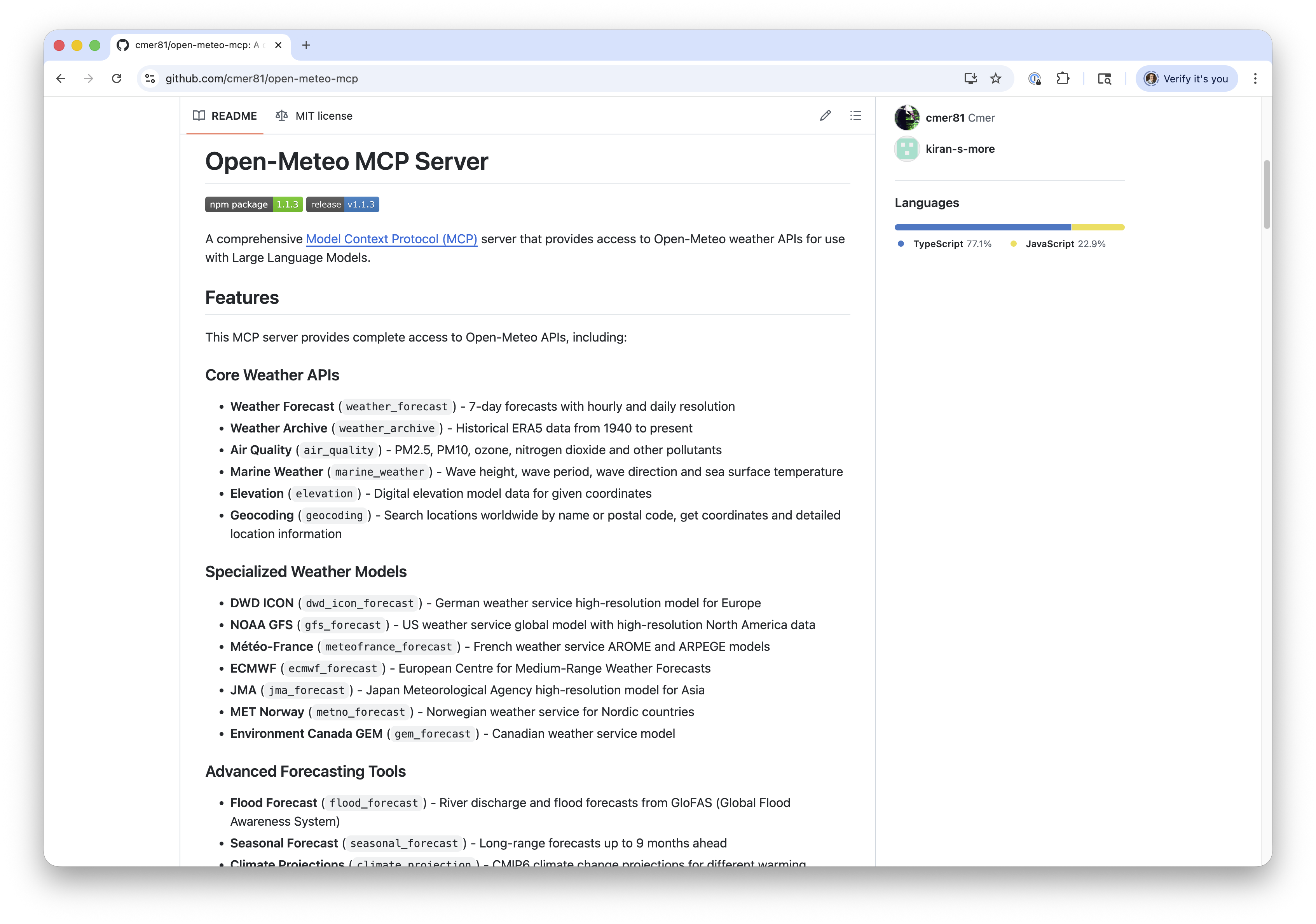
MCP Model Inspector (npx @modelcontextprotocol/inspector)
Command: npx -y open-meteo-mcp-server
OpenAI Agents SDK and MCP
OpenAI Agents SDK and MCP
- MCP supported in OpenAI Agents SDK (as of Sep 2025)
- Exposes
MCPServerStdioandMCPServerSseto connect to local and remote servers
OpenAI Agents SDK and MCP
Available tools: ['weather_forecast', 'weather_archive', 'air_quality', 'marine_weather', 'elevation', 'flood_forecast', 'seasonal_forecast', 'climate_projection', 'ensemble_forecast', 'geocoding', 'dwd_icon_forecast', 'gfs_forecast', 'meteofrance_forecast', 'ecmwf_forecast', 'jma_forecast', 'metno_forecast', 'gem_forecast']OpenAI Agents SDK and MCP
try:
  async with MCPServerStreamableHttp(
    params = {"url": "http://localhost:3000/mcp"}
    ) as server:
    agent = Agent(
        name="Weather Agent",
        model="gpt-5.2",
        instructions="You are a helpful weather assistant. Use the available tools to answer questions about weather forecasts, historical weather data, and air quality. Always provide clear, concise answers.",
        mcp_servers=[server],
    )
    result = await Runner.run(agent, "What's the weather forecast for Minneapolis–St. Paul this week?")
    print(result.final_output)
except:
  print("Is the MCP server running? Check at the top of this notebook for instructions.")
Minneapolis–St. Paul (Twin Cities) forecast for the next 7 days (America/Chicago):
- **Fri Jan 23:** Partly cloudy. **High -8°F / Low -20°F**. Precip **0**. Wind up to **12 mph**.
- **Sat Jan 24:** Partly cloudy. **High 0°F / Low -16°F**. Precip **0**. Wind up to **6 mph**.
- **Sun Jan 25:** Partly cloudy. **High 8°F / Low -7°F**. Precip **0**. Wind up to **9 mph**.
- **Mon Jan 26:** Partly cloudy. **High 13°F / Low -7°F**. Precip **0**. Wind up to **9 mph**.
- **Tue Jan 27:** Partly cloudy. **High 12°F / Low 3°F**. Precip **0**. Wind up to **12 mph**.
- **Wed Jan 28:** Partly cloudy. **High 8°F / Low 0°F**. Precip **0**. Wind up to **8 mph**.
- **Thu Jan 29:** Partly cloudy. **High 10°F / Low 2°F**. Precip **0**. Wind up to **5 mph**.
Overall: **cold, mostly partly cloudy, and dry all week** (no measurable precipitation in the forecast).Creating Your Own MCP Server
- Multiple SDKs on https://modelcontextprotocol.io/docs/sdk
- Python, TypeScript, Go, Rust, C#, and more
- Very similar to tool calling
- Define your MCP server
- Annotate your functions with
@mcp.tool() - Add descriptions to the tool methods to help the LLM select which tool to call
Example: micro:bit MCP Server
https://simonguest.com/p/microbit-mcp/
Hands on
Explore the Open Meteo MCP server in open-meteo-mcp.ipynb
Hugging Face Spaces
Hugging Face Spaces
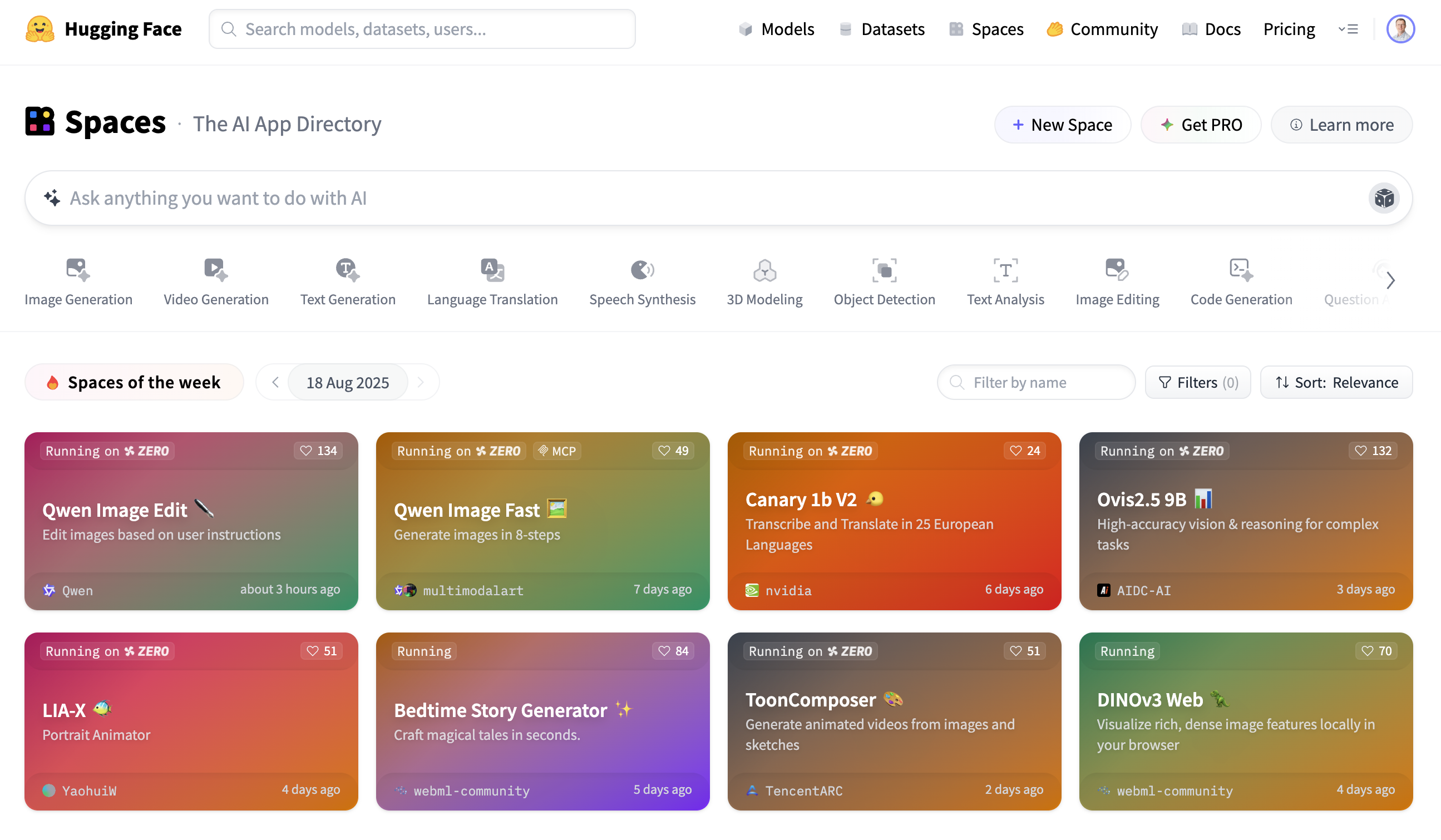
- We’ve been using Gradio, but hosting via notebooks isn’t ideal
- Even with
share=Trueyou have to keep the notebook running
- Even with
- Wouldn’t it be nice if we could easily host our Gradio app?
Hugging Face Spaces
Hugging Face Spaces
- Free cloud hosting for ML demos and applications
- Supports Gradio, Streamlit, and static HTML/JS
- For Gradio, either upload a
main.pyor a Docker configuration file - Hugging Face handles resource allocation
- Sleeps the space if it’s inactive
- Integrates with the queuing mechanism of Gradio to batch requests
- Supports multiple GPU types (if signed up for Pro account)
Demo
Hosting the DigiPen campus agent on Hugging Face Spaces
https://github.com/simonguest/CS-394/tree/main/src/03/code/hf-space
Looking Ahead
Looking Ahead
- This week’s assignment!
- Leave text behind and explore image-based models!
- Introduce the diffuser
- And go other way with vision encoders
References
References