Presentation Skills
“Your slides have really nice colors, Simon”
Beyond This Semester
- Pitching a VC for funding
- Speaking at a conference
- Teaching at DigiPen!
What We Will Cover Today
- The importance of Storytelling
- Constructing Slides
- Nailing the Demos
- Being prepared On The Day
- Your Presentation Takeaways
The Importance of Storytelling
- Many presentations get into the what and how, but miss the why
- Stories help frame the why
- Especially if that story has a personal connection
The Importance of Storytelling
- Why did you choose this project?
- What problem are you trying to solve for people?
- How much impact could this have?
Every Story Needs An Audience
Who Is Your Audience?
- Do you have personas for your audience?
- 100 level? 400 level?
- Internal? External?
- What does success look like for them?
- How much are you costing your audience?
Presentation Flow
Presentation Flow
- Don’t start by opening PowerPoint!
- Create the flow of the presentation
- Mind mapping can be a great tool
Presentation Flow
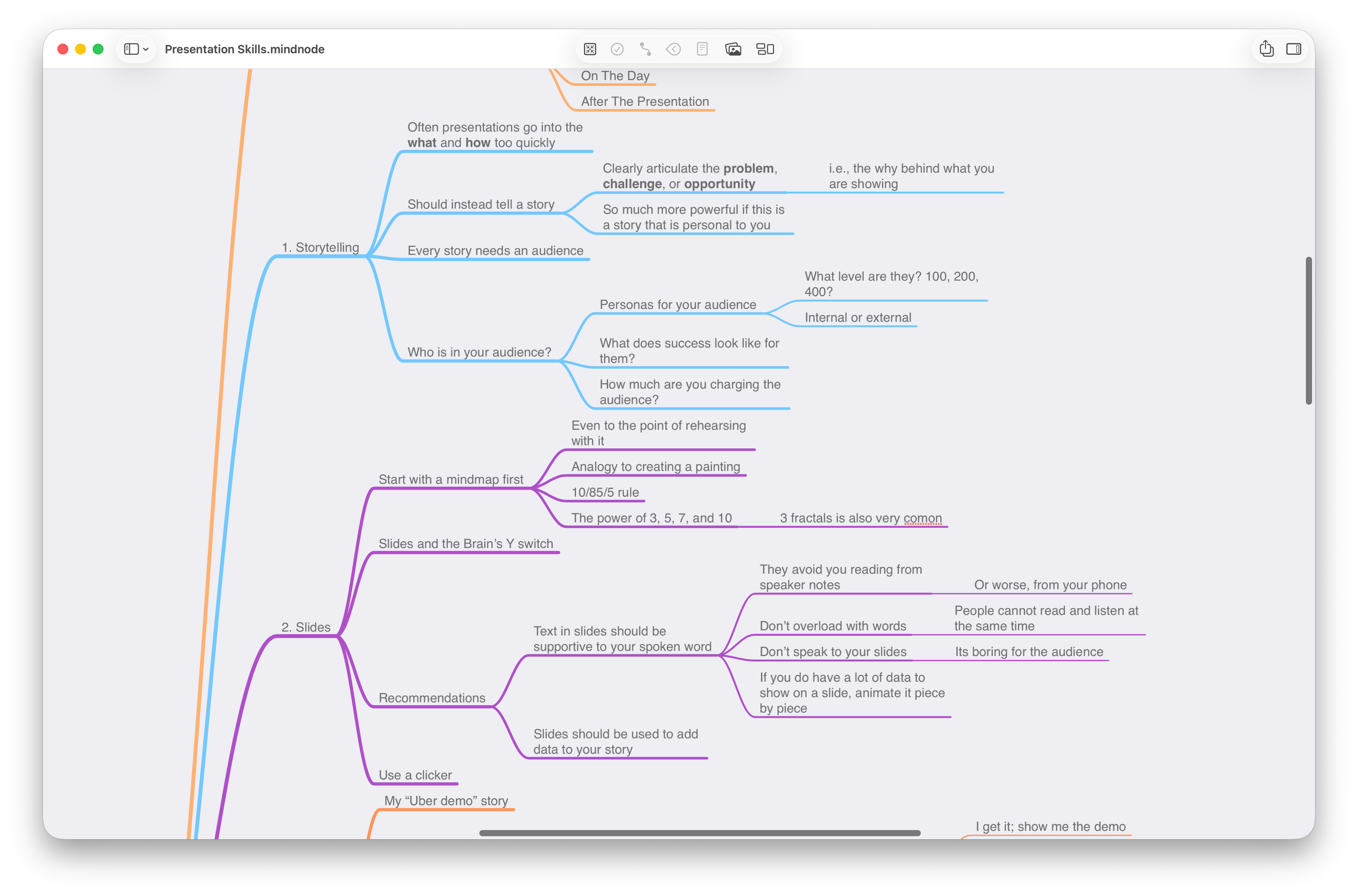
Presentation Flow
- Mind map will help you:
- Bring balance to your presentation (10/85/5)
- Help you categorize (power of 3, 5, 7, and 10)
- Enable you to rehearse before you have any slides!
Your Slides
Your Slides
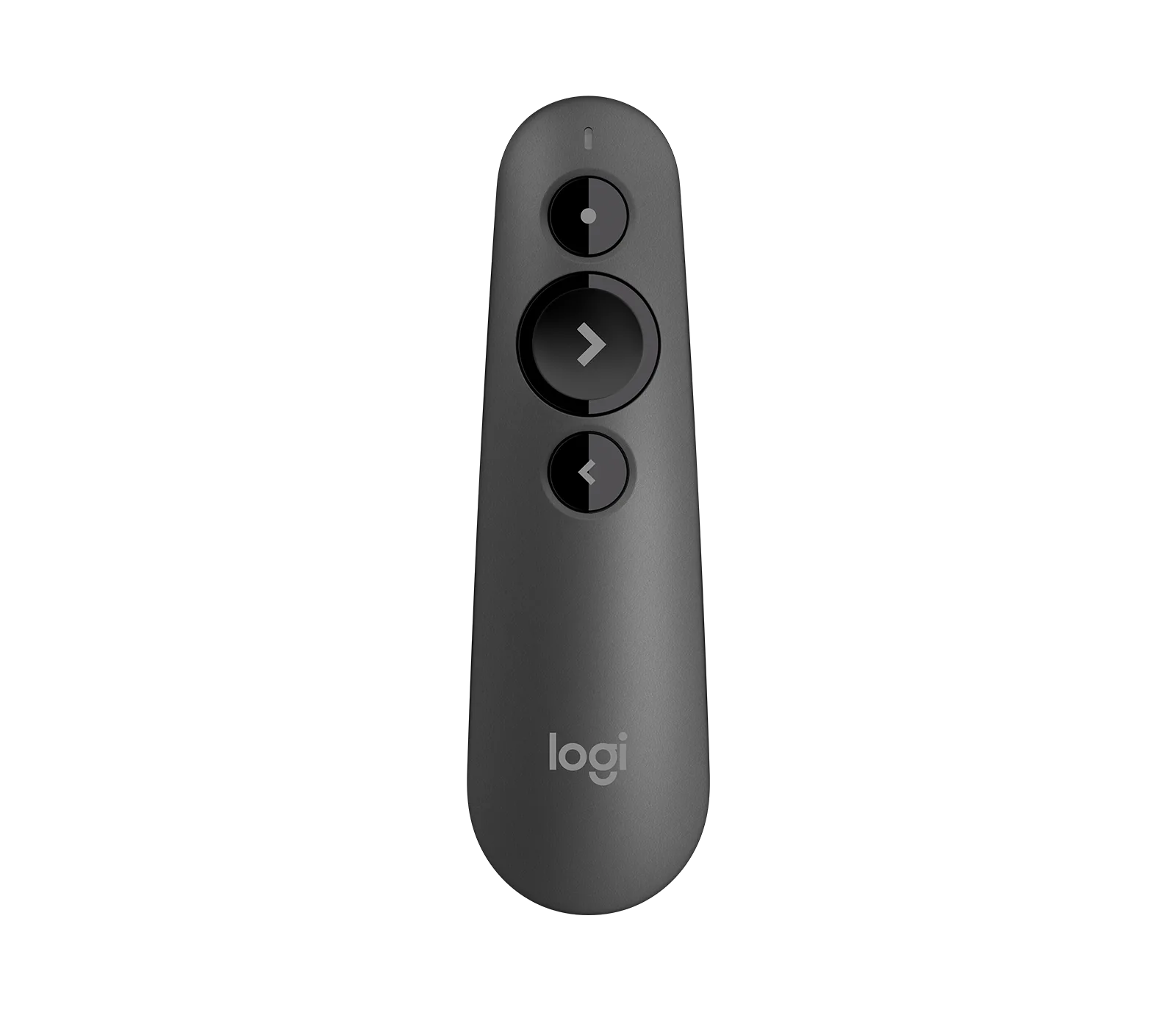
- Text in slides should be supportive “cues”
- Trigger memory
- They avoid you having to read from your speaker notes
- Or worse, your phone!
Brain’s “Y Switch”
- Listening to you vs. Reading your slide
- Few, if any, can do both
- (Even if they think they can)
Our Game Engine Architecture
Our custom game engine is built on a multi-layered architecture that separates concerns across rendering, physics, audio, and input systems. The rendering pipeline uses OpenGL 4.6 with a deferred shading model, supporting up to 512 dynamic lights per scene through a clustered lighting approach. The physics engine integrates a rigid body solver with support for convex hull collision detection using the GJK algorithm, with a broadphase BVH tree for spatial partitioning. We implemented a custom entity-component system (ECS) using a sparse set architecture to maximize cache coherency, with archetypes stored in contiguous memory pools.
The audio system leverages OpenAL Soft with a custom DSP chain for reverb, occlusion, and distance attenuation. Input is handled through a buffered event queue that abstracts platform-specific APIs (Win32, SDL2) behind a unified interface. Our asset pipeline runs as a separate tool that compiles raw assets (FBX, PNG, WAV) into a custom binary format for fast runtime loading. The scripting layer exposes engine functionality to Lua via a hand-written binding layer, allowing designers to author gameplay logic without recompiling. Networking uses a lockstep model with deterministic simulation and delta-compressed snapshots sent at 20Hz, with client-side prediction and server reconciliation to mask latency. Memory management is handled through a hierarchy of allocators: a stack allocator for per-frame data, a pool allocator for fixed-size objects, and a general-purpose heap for everything else.
Brain’s “Y Switch”
- If you have a lot of text…
- Delete (and delete again)
- Compress (and compress again)
- Introduce new information “on click”
Brain’s “Y Switch”
Your Demo
- Get to your demo as soon as you can
- “10 min presentation with 9 mins of slides and a 1 min rushed demo”
- Tipping Point: “I get it. Now show me the demo.”
Live Demos
- Live demos are scary
- But they beat videos or screenshots every time
- Live demos provide authenticity
Demo Gods
- “It worked just before class…”
- Can’t share my display on the projector
- WiFi magically disappears or runs slow
- That Windows update you’ve been postponing…
Demo Script
- Things that need to be reset/running
- The steps of your demo
- Tip: Write large if you are typing code live
- Settings to make your demo viewable
- Font sizes for the back of the room
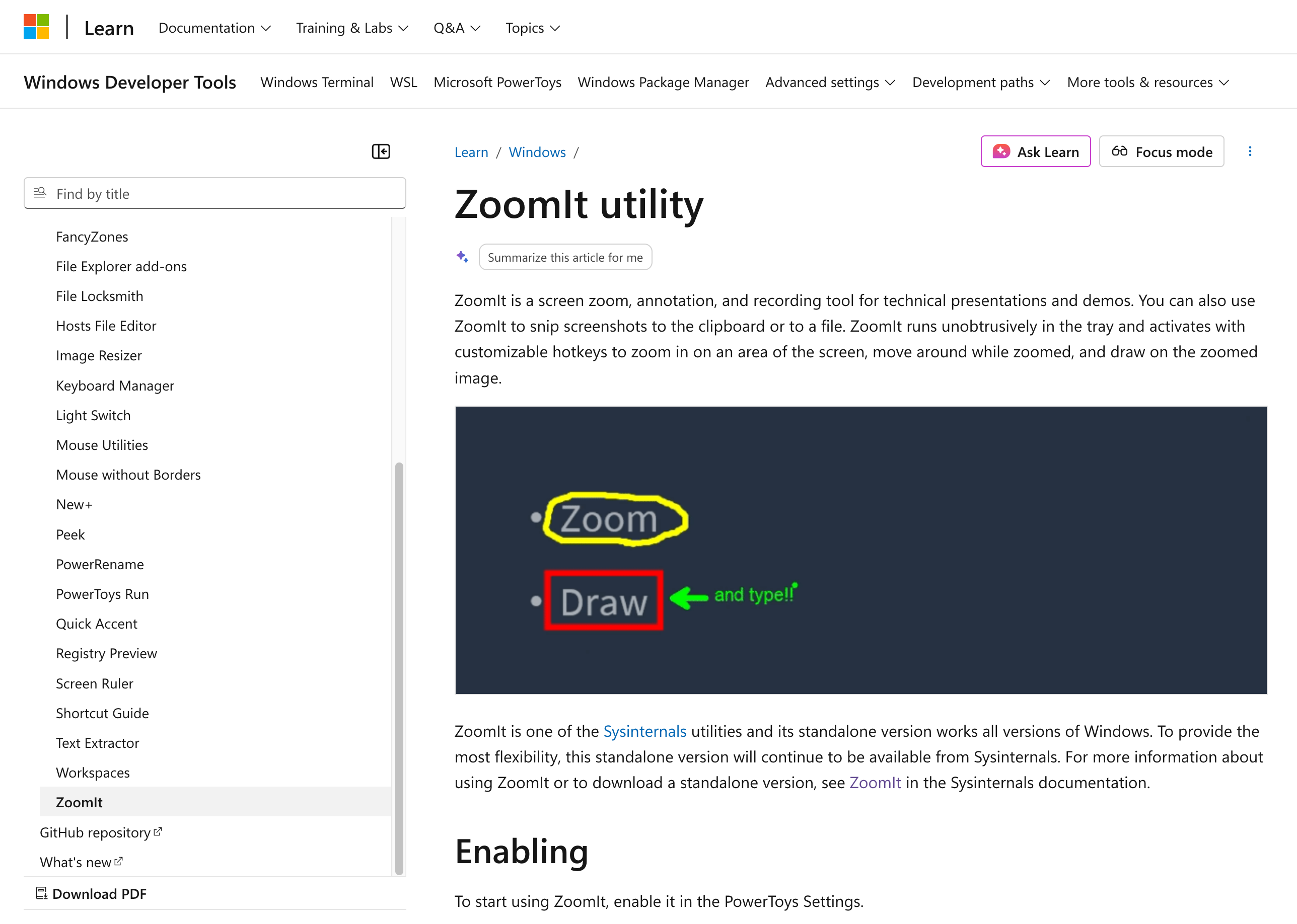
- Ability to zoom-in on demand
Demo Script
Demo Backup
- What’s your backup plan?
- An emergency pre-recorded video
- Backup screenshots in appendix
- Know when to move on…
On The Day
Location
- New room?
- Can you test/rehearse beforehand?
- Size of the room?
- Audio Visual (AV) needs?
- Especially if you are playing audio
Nerves
- They never go away
- My “PDC Demo” story
- Rehearse, rehearse, rehearse
- Slow down and breathe!
- Tip: “Go slower!” Post it note
More Nerves
- Do you have water?
- Is it open? But not too much!
- Eye contact with the audience
- Figure of 8
- Energy from the prior presentation
- “I can do better!”
- “I can’t let the audience down after that!”
Timing
- Accurate timing can be difficult
- Default is to run too long
- “Squeezed presentations” add to your nerves
- Rehearsals really help
- Demo timing checkpoints with clock
Taking Questions
- During? Or wait until the end?
- Redirect if running out of time
- Ack; Answer; Confirm
- It’s OK not to know the answer
- “I’m not sure on that, but I’ll follow up with you”
Humor
- Don’t force-fit humor or jokes
- Be yourself
- If you have jokes, rehearse the timing
- And never mention politics or religion
- Try not to laugh at your own jokes
Enjoy It!
How To End
- Endings can be abrupt
- Short conclusion of what you covered
- Takeaways for your audience
Presentation Takeaways
- CTAs (Calls To Action)
- Download my game!
- Check out my GitHub Repo!
- Complete my survey!
- Are you going to share your slides?
- How to contact you
To Conclude
- The importance of Storytelling
- Constructing Slides
- Nailing the Demos
- Being prepared On The Day
- Your Presentation Takeaways
To Conclude
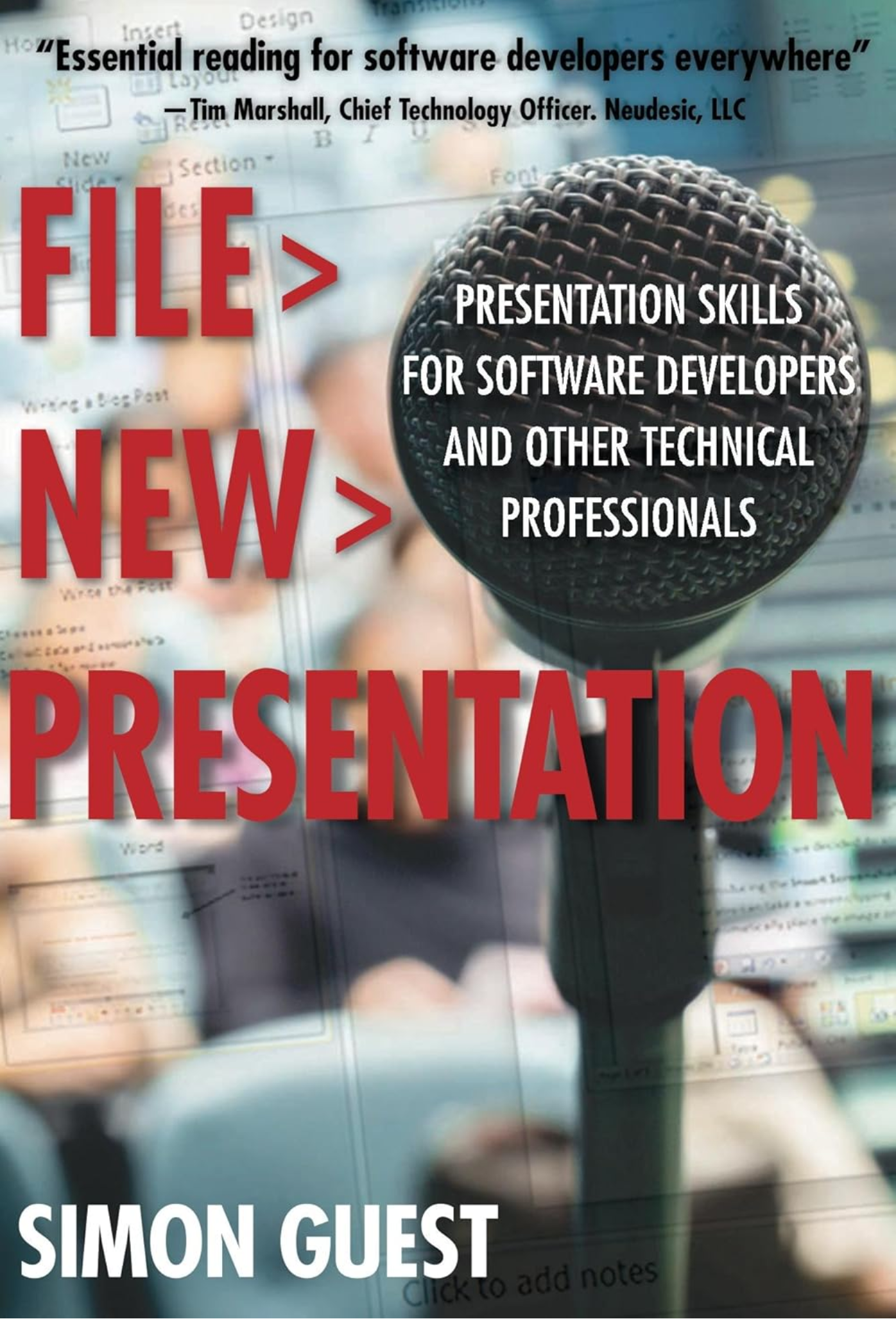

Questions?
Slides: https://simonguest.github.io/CSP/
simon.guest@digipen.edu
Thank you!